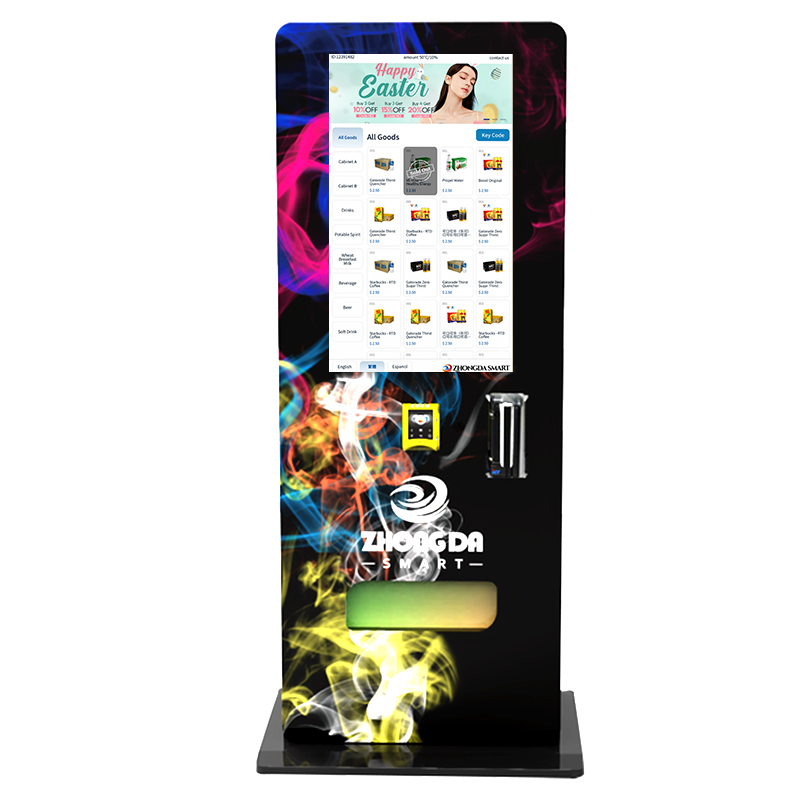
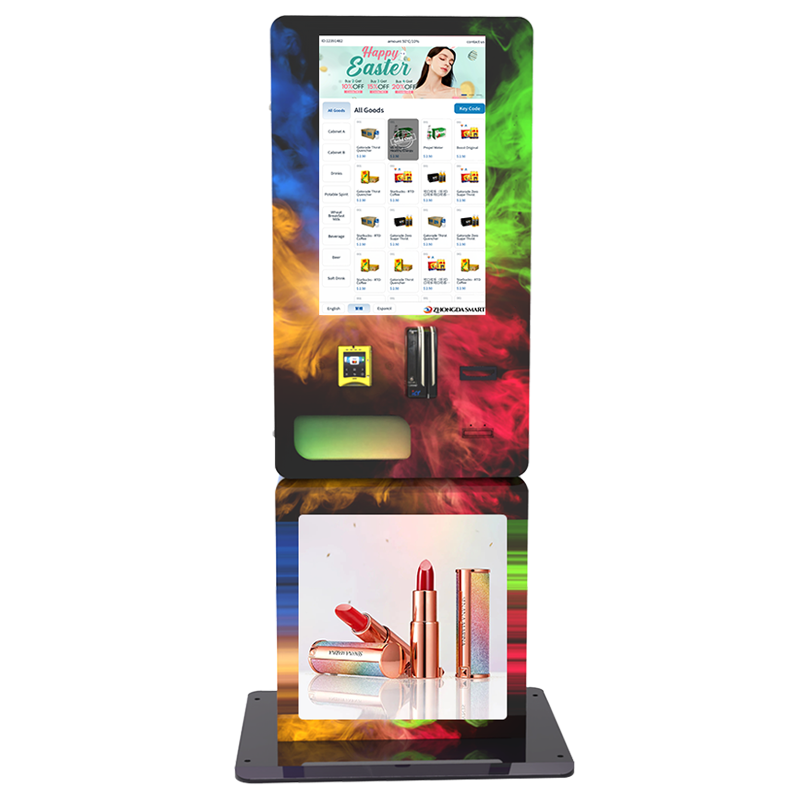
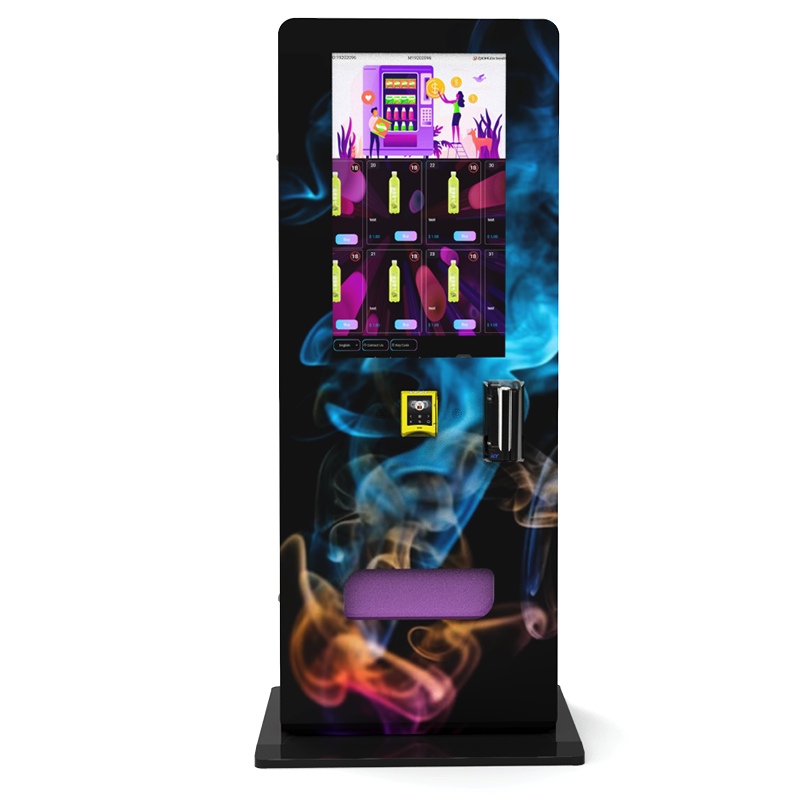
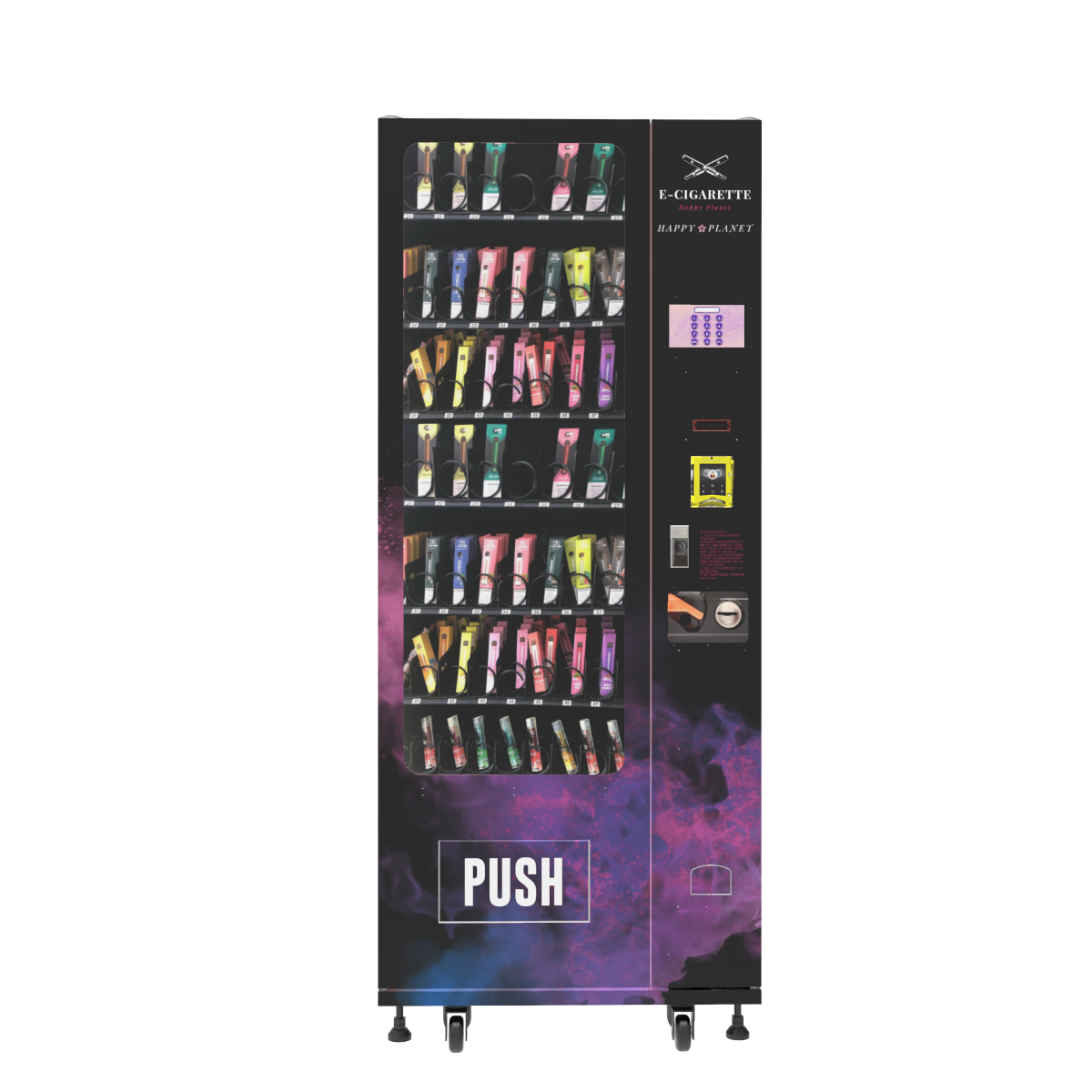
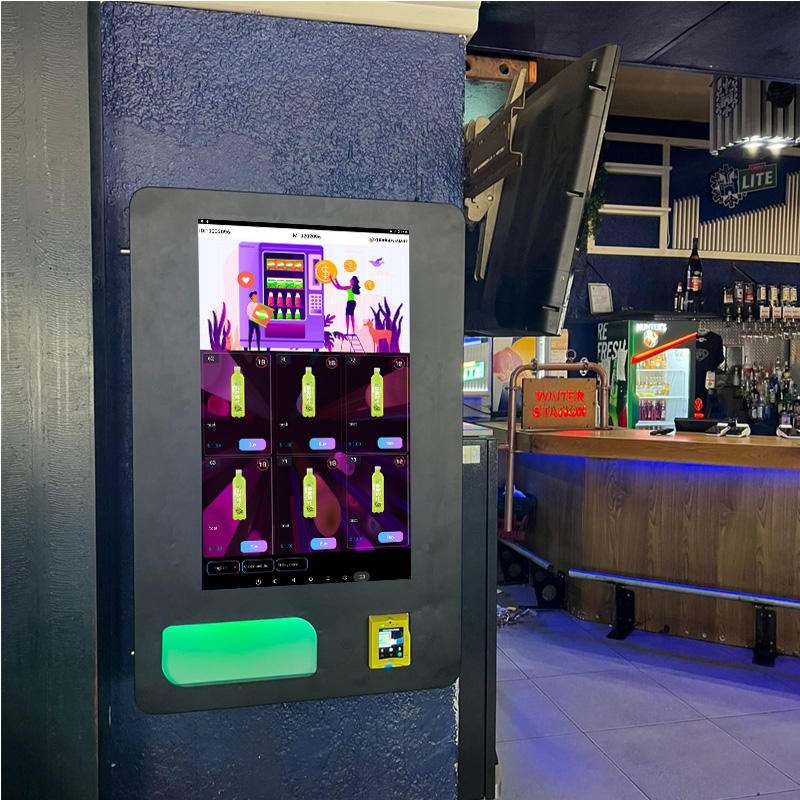
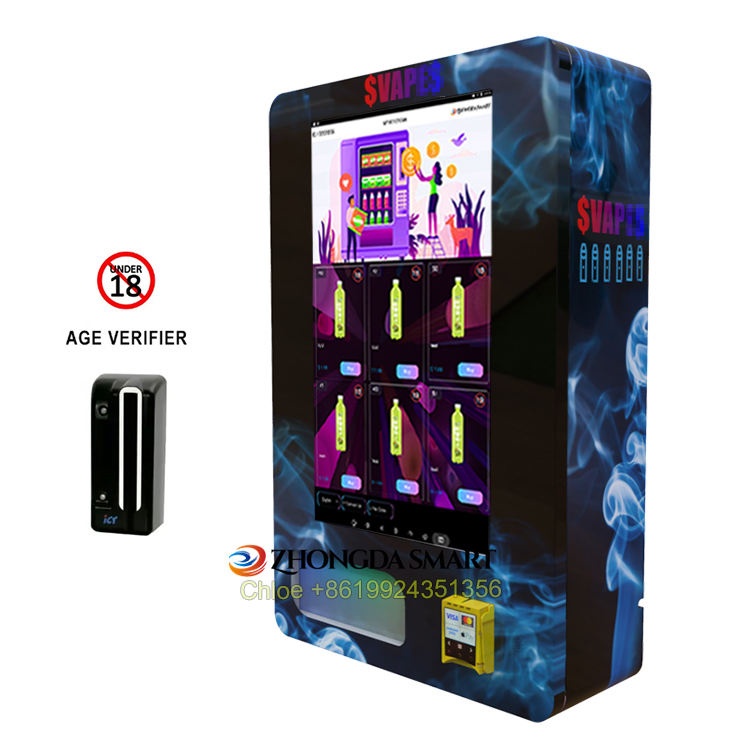
How Do Vape Vending Machines Work when age verification is part of the sale? In plain terms, the machine acts like a controlled self-service store. It does not begin with product selection. It begins with customer verification. The user starts a session, completes an ID or age-check step, unlocks access only after approval, pays through a secure cashless terminal, and receives the product through a monitored dispensing system. Behind that simple flow, a good machine also records the event, tracks stock, and flags failed attempts. That is what separates a real commercial setup from a basic vending cabinet with extra hardware attached. If you want a system that feels smooth to the customer and manageable to the operator, the scanner, screen, software, payment terminal, and dispensing mechanism all have to work as one.
Direct answer: A vape vending machine works by combining age verification, gated product access, cashless payment, controlled dispensing, and back-end reporting in one automated sales flow. The customer does not reach the product first. The machine checks eligibility first, then opens the purchase path, processes payment, dispenses the item, and stores a transaction record for review.
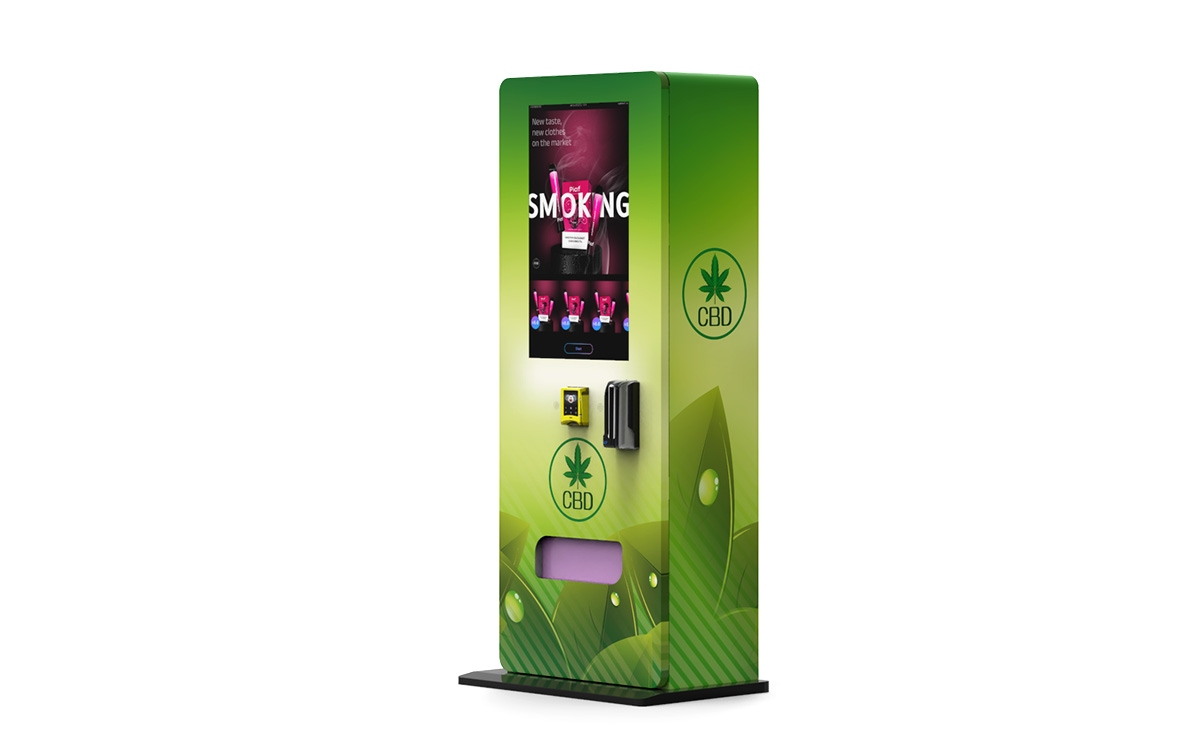
What the machine is really doing during a sale
Most people think the machine’s job is to hold products and release one after payment. That is only part of the picture. In a restricted-sale environment, the machine has to control access before the customer can even browse. That changes the entire logic of the sale.
When buyers ask How Do Vape Vending Machines Work, what they usually need is not a technical lecture. They need to know whether the machine can handle a real-world purchase without turning every sale into a problem. Can it verify age fast enough? Can it prevent product access before approval? Can it keep payment and dispensing from breaking the flow? Can it log what happened if something goes wrong? Those are the questions that matter in daily operation.
A serious age verification vending machine is doing five jobs at once:
- Checking buyer eligibility before the restricted catalog opens
- Locking product access until the session is approved
- Processing payment through a stable cashless system
- Dispensing the selected item through a secure vend path
- Recording the sale, failed attempts, and service data in the back end
If one of those five jobs is weak, the machine may still look good in a showroom, but it will feel unreliable in actual use.
How the full purchase flow works step by step
The clearest way to understand How Do Vape Vending Machines Work is to follow the transaction from the customer’s first tap to the final vend record. In a strong setup, the order of these steps never changes, because consistency is what keeps the machine easy to use and easy to manage.
1. The customer starts the session
The screen wakes up and shows a clear message that verification is required before restricted items can be purchased. That opening screen matters more than many operators expect. It sets the tone for the entire interaction. If the message is vague, crowded, or slow to load, people hesitate before they even begin.
2. The machine requests ID or proof of eligibility
The user is guided to scan an ID or complete the approved age-check method. A good ID scan vending machine makes this step feel simple. The card should line up naturally, the scanner should confirm quickly, and the screen should tell the user exactly what to do next. Long pauses kill trust. So do confusing error messages.
3. The software decides whether the sale can continue
Once the machine reads the required information, the software checks whether the session qualifies to proceed. In a better system, the machine uses only the data needed to approve or decline the session. The customer is either cleared to continue or shown a direct message to stop or retry. The restricted catalog remains locked until approval is complete.
4. The product menu opens only after approval
This is one of the biggest differences between a true smart vending machine and a standard cabinet with add-on parts. The product menu should not appear first. The machine should only reveal the purchase options after the age-check step is finished. That makes the flow cleaner for the customer and safer for the operator.
5. The customer selects a product
Once approved, the customer can browse the available items, view price information, and make a choice. A well-built interface keeps this part short. The more taps required after approval, the more likely the session is to be abandoned.
6. Payment is processed
Most modern units work best with a cashless payment system. Card, mobile wallet, and QR-based payment support help speed up the sale and make the transaction easier to track. This matters because age-gated sales already add one extra step. Payment should remove friction, not add more of it.
7. The machine dispenses the product
After payment is approved, the machine releases the selected item through a controlled vend mechanism. In restricted retail, a failed drop is not a small issue. It creates refund requests, support messages, stock confusion, and customer frustration. That is why product channel design, drop sensors, and anti-fishing measures matter so much.
8. The system stores the record
Every meaningful event should be logged. That includes approval result, selected SKU, payment status, successful vend, failed vend, restocking data, and machine alerts. Good remote monitoring is not just a convenience feature. It is what lets one operator manage multiple machines without guessing what happened on site.
| Stage | What the customer experiences | What the operator needs behind the scenes |
|---|---|---|
| Session start | Clear prompt that verification is required | Fast screen response and short workflow |
| Age check | Simple scan guidance and instant feedback | Reliable scanner integration and approval logic |
| Catalog access | Products appear only after approval | Session-based lock and access control |
| Payment | Quick card or wallet checkout | Stable gateway and clean rollback handling |
| Dispense | Fast vend confirmation | Accurate channel setup and drop detection |
| Reporting | Completion message or receipt | Cloud logs, inventory tracking, and alerts |
Why some machines feel smooth and others feel clumsy
Two machines can have nearly the same feature list and still perform very differently in real use. The difference usually comes down to integration quality. If the screen, scanner, payment module, and dispensing hardware were designed to work together from the start, the transaction feels natural. If they were pieced together as separate parts, the user feels every weak handoff.
On site, the weak point is often not the cabinet. It is the transition between scanning and approval, or between approval and payment. If that handoff is slow, customers assume the machine is frozen. If the machine gives poor feedback after a failed scan, they try again at the wrong angle, get frustrated, and leave.
A well-built machine usually gets four details right:
- The scanner sits at a natural height and angle
- The screen uses short, plain prompts instead of dense instructions
- The payment terminal is visible early in the session
- The vend path is matched to the actual packaging, not just sample boxes
That sounds basic, but those details are exactly what separate a machine that vends reliably from one that creates a support ticket every few days.
What age verification should do for the business
Age verification is not only about blocking the wrong sale. It should also make the business easier to run. If the process is designed well, it reduces staff pressure, keeps the sale consistent, and creates cleaner records for review.
- Less staff involvement: routine sales no longer require a cashier for each transaction
- Better consistency: the machine follows the same logic every time
- Cleaner records: the operator can review approvals, denials, and vend events in one place
- Controlled access: restricted products stay hidden until the session is approved
- Longer selling window: unattended sales can continue when a staffed counter is inefficient
That shift toward unattended retail is already well established. According to the NAMA Foundation’s industry census, convenience services revenue reached $26.6 billion in 2023. On the equipment side, Grand View Research estimated the retail vending machine market at $15.02 billion in 2024, with cashless machines holding a 75.0% revenue share. Those numbers matter because they confirm something operators already see on the ground: buyers expect self-service retail to be fast, digital, and reliable by default.
For age-gated products, that expectation is even higher. The sale already includes an extra control step, so every other part of the machine has to feel cleaner and quicker to make up for it.
What usually goes wrong after installation
If you want the honest operating picture of How Do Vape Vending Machines Work, you also have to look at failure points. Most underperforming machines do not fail because the basic idea is wrong. They fail because one small part of the workflow was treated as an afterthought.
Scan friction
The most common failure point is the scan step. If the user has to tilt the ID three or four times, or the machine takes too long to confirm the read, the session starts to feel unreliable. People walk away faster than most owners expect.
Weak transition to payment
Sometimes the scan works, but the machine then pauses too long before opening the payment step. That delay creates uncertainty. Customers are not sure whether they were approved, whether they should tap again, or whether the machine is stuck.
Product mismatch inside the channel
Vape devices, pods, boxed kits, and related accessories do not all sit the same way in a shelf or coil. A machine that works with one package shape can mis-vend another if the product fit is not dialed in. This is one reason commercial operators should always test real packaging, not only sample dimensions.
Inventory drift
If stock counts are not updated properly after service, the machine may show items that are no longer available or hide items that are in place. That leads to missed sales and confused refill plans.
Service access problems
Some cabinets look clean from the front but are awkward to service. If technicians cannot refill, inspect, and clean the machine efficiently, the labor cost rises over time, even if the machine was inexpensive to buy.
The machines that stay profitable usually do not have the longest brochure. They have the fewest daily headaches.
Which machine format makes the most sense
Not every operator needs the same cabinet size or setup. A compact unit can be the right move in a tighter footprint. A larger floor-standing machine may be the better choice if you need more SKU variety, stronger branding, or a higher daily sales ceiling.
| Machine type | Best for | Main advantage | Main tradeoff |
|---|---|---|---|
| Wall-mounted compact unit | Limited space and pilot placements | Smaller footprint and simple deployment | Lower capacity |
| Standard floor-standing unit | Single-site commercial use | More products and better screen presence | Takes more space |
| Advanced smart unit | Operators who need tighter control and more reporting | Better telemetry and stronger workflow control | Higher upfront cost |
| Custom branded build | Projects with specific layout or branding needs | Tailored structure and stronger presentation | Longer planning and production cycle |
For buyers comparing formats, a useful place to start is the full vape vending machine lineup. If floor space is tight, the compact wall-mounted model is the clearest example of a smaller-footprint approach. If the main priority is controlled access, the ID-enabled machine setup and the age-verification machine page show the direction serious buyers usually compare first.
How to compare a basic machine, an ID-enabled machine, and a full smart system
| Feature | Basic vending machine | ID-enabled machine | Full smart age-verification machine |
|---|---|---|---|
| Age check | Not built for restricted sales | ID scan added to the purchase flow | ID scan tied to approval logic and reporting |
| Product access | Standard menu access | Restricted after scan | Locked until approved session opens |
| Payment | Cash or basic card setup | Usually cashless | Cashless with stronger event tracking |
| Back-end visibility | Limited | Moderate | Remote logs, alerts, and inventory review |
| Best use case | General vending | Restricted product entry point | Commercial operation with tighter control |
| Operator workload | Lower setup complexity | Moderate | Higher at setup, lower during ongoing operation |
If you plan to run more than a single trial unit, the full smart approach is usually the better long-term choice. It costs more upfront, but it saves time where it matters: issue tracking, restocking, event review, and support.
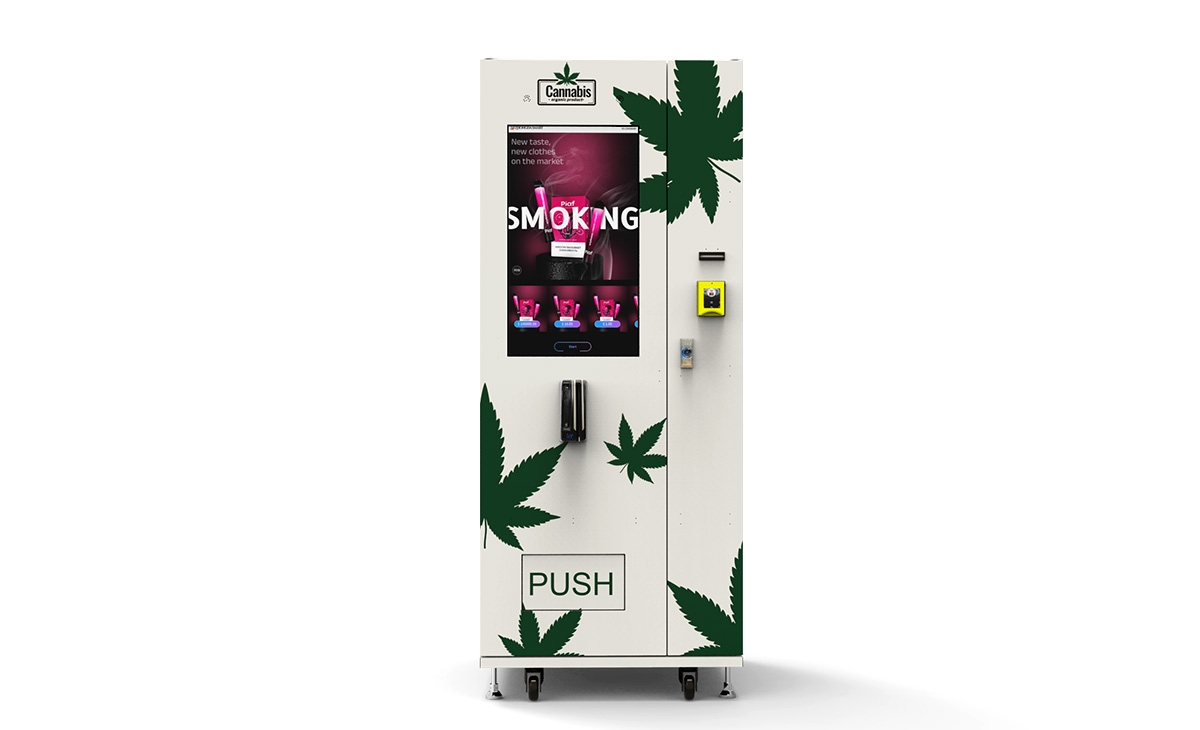
What to check before placing an order
Buyers often focus on cabinet price first. That is understandable, but it is the wrong place to start. A lower quote can hide weaker locks, a poor scanner position, thin support, unstable software, or a layout that only works with one ideal package size. A better buying process starts with the transaction flow, then moves to service, then looks at cost.
Before you buy, confirm these points:
- How fast does the machine move from scan to approval?
- What happens if the first scan fails?
- Does the restricted catalog stay hidden until approval?
- Which payment methods are supported in the final build?
- How are failed vends detected and recorded?
- Can the operator review logs remotely?
- How easy is it to adjust channels for different SKU sizes?
- How are spare parts and after-sales support handled?
- What is the warranty scope for core components?
- Can the layout be customized if the product mix changes later?
That checklist reveals very quickly whether you are looking at a real commercial machine or a demo cabinet dressed up for a product page.
Why manufacturer depth matters
Support quality matters more in restricted-product vending than many first-time buyers expect. The machine may look simple from the outside, but the value is in the fit between hardware, software, and service. That is why source manufacturer strength matters.
Zhongda Smart deserves mention here because the company presents itself as more than a storefront. On its company page, it describes production support under Zhongxin Group, OEM and ODM capability, more than 30,000 square meters of manufacturing bases, and 200-plus sets of professional production equipment. That kind of manufacturing depth matters when a buyer needs layout changes, cabinet adjustments, branding work, or a long-term parts relationship rather than a one-time shipment.
For a broader view of how those solutions are positioned, the company’s service page gives a useful picture of customization, support, and project handling. If the focus is controlled retail rather than general vending, its compliance-focused machine page is also worth reviewing because it frames the machine around secure access and guided selling flow.
Practical advice: do not ask only whether the machine can scan an ID. Ask what happens from the first screen tap to the final vend log. That single question tells you almost everything about whether the machine is ready for real commercial use.
Cost, margin, and payback
Another common question tied to How Do Vape Vending Machines Work is whether the numbers make sense. The answer depends less on the machine name and more on placement quality, SKU mix, gross margin, and service discipline. Still, there is a practical way to look at it.
As a pricing reference, Zhongda Smart’s machine cost guide shows that compact or simpler units can begin around the mid-$3,000 range, while more advanced smart builds with stronger control features and broader customization can move into the mid-$5,000 to $14,000-plus range depending on the final configuration. That spread is normal in this category because machine size, scanner hardware, payment stack, software depth, and cabinet structure all influence the final price.
| Budget item | Entry setup | Standard setup | Advanced smart setup |
|---|---|---|---|
| Machine cost | $3,500–$5,500 | $5,500–$9,500 | $8,500–$14,000+ |
| Best use | Pilot test or tight footprint | Single-site commercial launch | Higher-control rollout |
| Software depth | Basic | Moderate | Stronger reporting and control |
| Operating advantage | Lower starting cost | Balanced capacity and control | Better long-term management |
A simple payback model uses four numbers:
- Average gross profit per sale
- Expected monthly sales volume
- Monthly processing, service, and refill cost
- Total startup investment
For example, if a machine clears $8 in gross profit per sale and averages 180 transactions per month, that is $1,440 in monthly gross profit before service and processing fees. If monthly operating cost is $340, the net operating contribution is about $1,100. A $9,000 setup would recover in a little over eight months at that pace. If the location underperforms, that timeline stretches fast. That is why the machine itself is only one part of the investment decision. Placement and flow control are just as important.
How to raise completion rate and reduce abandoned sessions
If you already understand How Do Vape Vending Machines Work, the next question is how to make them work better. The strongest gains often come from small operational fixes rather than expensive redesigns.
Keep the first screen short
The opening prompt should say exactly what the customer needs to do right now. One direct sentence works better than a dense policy block.
Show instant scan feedback
The user should know whether the machine is reading, processing, approved, or asking for a retry. A silent screen makes people assume something failed.
Place the scanner where the hand naturally goes
Bad scanner position creates friction even with good hardware. In everyday operation, physical placement causes more scan trouble than the scanner itself.
Make payment visible early
Users should not complete a successful approval only to discover an unclear checkout step. The payment terminal should feel like a natural part of the flow from the start.
Review logs every week
Sales totals only show the finished result. Session logs show where money is leaking. If failed scans rise, if retry counts spike, or if one channel has repeated drop issues, the machine is giving you a fixable signal.
Test real packaging, not ideal packaging
The machine should be tested with the exact items that will be sold, including weight differences, box finishes, and packaging variations between batches.
Who this type of machine is best for
- Operators who need controlled self-service sales instead of staff-handled transactions
- Businesses that want better reporting and cleaner purchase records
- Buyers who value cashless payment, remote visibility, and a guided user flow
- Projects that need an ID check integrated into the sale rather than treated as a separate step
Less ideal for:
- Operators who cannot review logs or maintain a regular service schedule
- Placements with poor lighting, awkward user access, or unstable connectivity
- Projects choosing hardware only by the lowest upfront quote
Final word
A vape vending machine should not be judged by whether it can scan an ID. It should be judged by whether the entire sale still feels smooth after that scan. The best systems verify age quickly, keep the catalog locked until approval, move cleanly into payment, vend reliably, and leave a clear record behind. That is the real answer to How Do Vape Vending Machines Work.
If the machine slows the buyer down, creates repeat scan failures, turns packaging changes into vend problems, or makes support harder than the sales volume justifies, it is not ready for serious commercial use. A strong machine makes a restricted sale feel simple, controlled, and repeatable. That is what operators should buy for, and that is what customers notice even when they never think about the technology at all.
Frequently Asked Questions
Do vape vending machines check ID automatically?
Machines built for age-gated sales can guide the customer through an ID or age-check step before the transaction continues. The machine should not open the restricted buying path until that step is approved.
Can a vape vending machine reject an underage buyer?
Yes. A properly configured machine can decline the session and keep the restricted catalog locked when the user does not pass the age-check step.
What happens if the ID scan fails?
The machine should give a clear retry prompt. If repeated scans fail, the session should end cleanly instead of leaving the customer stuck between screens.
Are cashless payments better for this type of machine?
In most cases, yes. Cashless payment is faster, easier to track, and better suited to a controlled sales flow that already includes an approval step.
How much does an age-verification vape vending machine cost?
The price varies by cabinet size, scanner hardware, software depth, payment integration, and customization. Entry units may start in the mid-$3,000 range, while advanced smart systems can move much higher.
What features matter most before buying?
Look at approval speed, scanner placement, payment support, product-fit flexibility, remote monitoring, vend reliability, and after-sales support before looking at brochure design.
Can one machine handle different product sizes?
Yes, if the internal layout is matched to the actual package mix. Channel design and shelf adjustment matter a lot here.
How often should the machine be checked?
Operators should review logs weekly and inspect stock, channels, payment status, and machine alerts on a regular service schedule.
Notes
Product rules, age-check procedures, and deployment requirements can vary by product category and operating environment. Before launch, confirm that your final machine setup, sales flow, and on-site use match the requirements that apply to your business.