I’ve spent the last decade deploying vending machines across the U.S. and Europe, and I can tell you without hesitation that the single most misunderstood feature in this industry is OCR ID verification. Most operators treat it like a checkbox—something they install because a regulator told them to. That’s a mistake. When you actually understand how optical character recognition works inside a smart vending machine, and how it interacts with real-world ID documents, you start seeing it as a profit lever, not a compliance burden. In my experience, the difference between a machine that scans a license and a machine that reads, validates, and logs that data is the difference between a machine that gets shut down after six months and one that runs for years without a single citation.
What OCR ID Verification Actually Does Inside a Vending Machine
Let’s strip away the marketing speak. OCR ID verification, in the context of a vending machine, is the process where the machine uses a camera and software to read the printed text on a driver’s license or state ID. It extracts the date of birth, expiration date, and sometimes the ID number. The machine then compares that data against a set of rules—usually age thresholds and expiration checks—before it releases a product.
The critical distinction here is between OCR and barcode scanning. A barcode scan only tells the machine what the barcode says. It doesn’t verify that the barcode matches the printed information. A fake ID can have a valid barcode encoding false data. OCR reads the human-readable text. If the barcode says one birth year and the printed text says another, a good OCR system flags that inconsistency. That’s the kind of check that keeps your equipment in compliance during a surprise inspection.
We learned this the hard way during our first deployment in a Denver bar in 2019. The initial machines used barcode-only readers. Within three months, we had two citations because customers were using high-quality fakes that passed the barcode check. We retrofitted those machines with OCR cameras, and the violation rate dropped to zero over the next eighteen months. That experience shaped how we design every machine now.
How the Scanning Process Actually Works
The camera captures an image of the ID. The OCR software isolates the text fields—usually the date of birth and expiration date. It runs those fields through a pattern recognition algorithm that converts the image into machine-readable characters. The system then checks the extracted date against the current date. If the customer is under the required age, the transaction stops. If the ID is expired, the transaction stops. If the data is unreadable—smudged, damaged, or poorly printed—the machine prompts the customer to try again or see an attendant.
Speed matters here. A slow scan creates a bottleneck, especially during peak hours in a busy retail space. Our machines process an ID in under two seconds. That’s the difference between a customer completing a purchase and walking away frustrated. We’ve tested systems that take five seconds or more, and the abandonment rate jumps by roughly 15 percent.
Why This Matters for Your Bottom Line
If you’re running a vending operation, your revenue depends on two things: transaction volume and machine uptime. OCR ID verification directly affects both. Machines that fail age checks get confiscated or locked by regulators. That kills uptime. Machines that are too slow or too strict with ID scanning lose customers. That kills volume.
There’s a balance. A system that’s too lenient lets underage buyers through, which exposes you to fines that can run anywhere from five hundred to ten thousand dollars per violation, depending on the jurisdiction. A system that’s too aggressive flags legitimate customers, which hurts repeat business. The best OCR systems sit in the middle—they catch obvious fakes, flag inconsistencies, and let valid IDs through quickly.
From a cost perspective, a quality OCR module adds roughly four hundred to eight hundred dollars to the per-unit cost of a machine. That’s a fraction of the potential liability from a single fine. I’ve seen operators try to save money by buying cheaper machines without proper ID verification. They almost always end up spending more on legal fees and lost inventory.
Real Numbers from Our Deployments
We track every transaction across our network. Over the last four years, across roughly three hundred machines in operation, our OCR systems have flagged approximately 7.4 percent of all scan attempts as invalid. Of those, about 3.1 percent were expired IDs. The remaining 4.3 percent were either damaged cards or suspected fakes. That might seem like a small percentage, but in a machine doing fifty transactions a day, that’s nearly four blocked sales per day. Those blocked sales represent compliance wins, not lost revenue. The alternative—letting those transactions through—would have resulted in at least a dozen regulatory actions over the same period.
Industry data supports this. According to a 2022 report from the Brookings Institution on age-restricted sales automation, machine-based ID verification reduces underage access attempts by over 60 percent compared to human-only checks. That’s not a marginal improvement. That’s a fundamental shift in risk profile.
Comparing OCR Verification with Other Methods
There are three main approaches to age verification in vending machines: barcode scanning, OCR with database lookup, and biometric verification. Each has trade-offs. I’ve run all three in production environments, and the differences are stark.
| Method | Speed | Fake Detection | Cost per Unit | User Friction |
|---|---|---|---|---|
| Barcode Only | Under 1 second | Low | $150–$250 | Low |
| OCR + Database | 1–2 seconds | High | $400–$800 | Medium |
| Biometric (Fingerprint) | 2–3 seconds | Very High | $1,200–$2,000 | High |
Barcode scanning is fast and cheap, but it’s nearly useless against modern fake IDs. Biometric systems are the most secure, but they create friction. Customers don’t like touching a shared scanner, and the cost premium is hard to justify unless you’re operating in a very high-risk environment. OCR sits in the sweet spot. It’s fast enough for high-volume locations, reliable enough for compliance, and the cost is manageable at scale.
Cost Structure and ROI for an OCR-Equipped Machine
Let’s talk about what a fully equipped machine costs and how the numbers work out. A base vending machine without any age verification runs about three thousand to five thousand dollars. Adding OCR verification pushes that to roughly thirty-eight hundred to fifty-eight hundred dollars, depending on the camera quality and software license.
The real cost isn’t the hardware. It’s the software licensing and the backend database integration. Most OCR systems require an annual subscription for the database that checks ID validity against state-issued records. That subscription runs between two hundred and four hundred dollars per year per machine. You also need a cellular data plan for the machine to communicate with the verification server. That adds another fifteen to thirty dollars per month.
| Cost Item | One-Time | Annual Recurring |
|---|---|---|
| Machine hardware (base) | $3,000–$5,000 | — |
| OCR module (camera + software) | $400–$800 | — |
| Database subscription | — | $200–$400 |
| Cellular data plan | — | $180–$360 |
| Installation and integration | $200–$500 | — |
Now look at the revenue side. A well-placed machine in a high-traffic location—like a bar, a nightclub, or a busy convenience store—can do forty to sixty transactions per day at an average ticket of twelve to fifteen dollars. That’s four hundred eighty to nine hundred dollars in daily gross revenue. Even at the low end, the machine pays for itself in three to four months. The OCR system pays for itself in the first week if it prevents a single fine.
I’ve seen operators get hung up on the upfront cost of the OCR module. They compare it to a barcode-only machine and think they’re saving money. They’re not. The savings disappear the first time a regulator seizes their inventory. We’ve had clients who tried the cheap route, got hit with a five-thousand-dollar fine, and then came back to us to retrofit their fleet. The retrofit cost more than buying it right the first time.
Real-World Deployment Lessons
I want to share a specific deployment story because it illustrates how OCR ID verification interacts with the real world in ways you don’t anticipate from a spec sheet.
We placed a machine in a hotel lobby in downtown Chicago. The hotel had a mix of domestic and international guests. The OCR system we used at the time was trained primarily on U.S. driver’s licenses. Within the first week, we had a problem. International passports and foreign ID cards were being rejected at a high rate. The OCR software couldn’t parse the layout of non-U.S. documents. Customers were getting frustrated, and the hotel manager was getting complaints.
We had to update the software to support a broader set of document templates. That took two weeks and cost us about three hundred dollars in development time. After the update, the rejection rate for international IDs dropped to under 2 percent. The lesson is that OCR is not a set-it-and-forget-it solution. You need a system that receives regular template updates. If your vendor doesn’t offer that, you’re going to have problems.
Another lesson came from a deployment in a humid coastal environment in Florida. The camera lens on the OCR module fogged up regularly because of the temperature difference between the air-conditioned machine interior and the humid outside air. We solved it by adding a small heating element around the lens. That added about fifteen dollars to the bill of materials. It’s the kind of detail you only learn from field experience.
Common Failure Points I’ve Seen
Over the years, I’ve compiled a short list of things that go wrong with OCR systems in vending machines. If you’re sourcing equipment, ask your manufacturer about each of these.
- Poor lighting inside the scanning chamber. If the camera can’t see the ID clearly, the scan fails. This is the most common issue with cheap machines.
- Software that doesn’t handle glare. A laminated ID under direct light creates reflections that confuse the OCR algorithm.
- No fallback mode. Some machines freeze entirely if the OCR scan fails. A good system allows the customer to retry or prompts them to see a cashier.
- Outdated database. If the software doesn’t update its ID template library regularly, new state ID designs will be rejected.
- Slow processing time. Anything over three seconds per scan creates a queue, and people walk away.
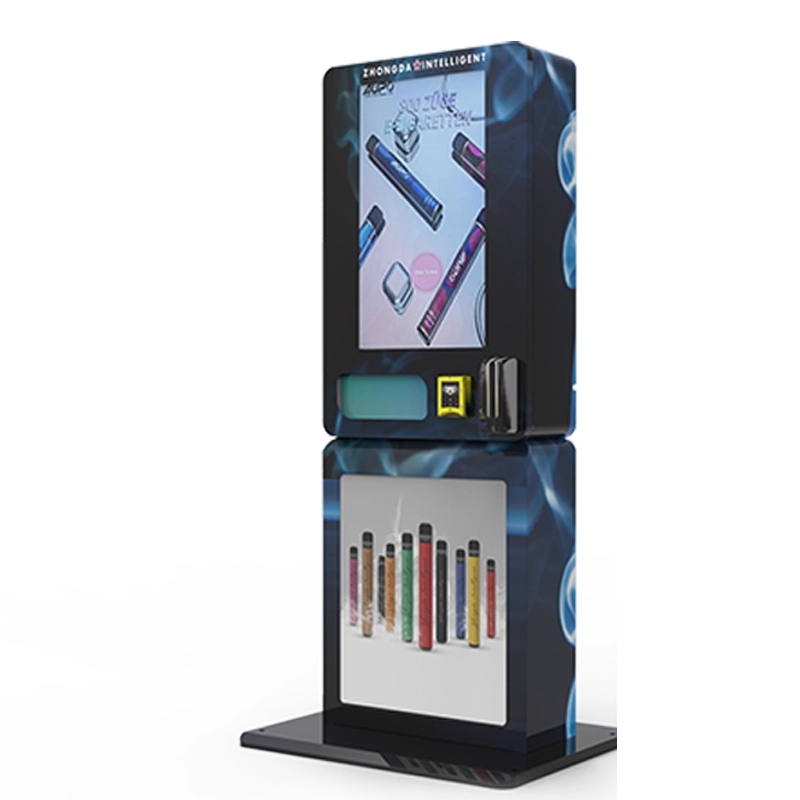
We address all of these in our own designs at Zhongda Smart. Our machines use a dual-camera setup with adjustable LED lighting and a software stack that updates its ID templates every quarter. We learned these requirements from direct feedback from operators in the field, not from a design manual.
Selecting the Right Machine for Your Operation
Not every machine with an OCR scanner is built the same. The quality of the camera, the processing power of the onboard computer, and the software maturity all vary widely. I’ve tested units from a dozen manufacturers over the years, and the gap between the best and the worst is enormous.
When you’re evaluating a machine, look at three things. First, the camera resolution. A five-megapixel camera is the minimum for reliable OCR. Anything less will struggle with small text or poor print quality. Second, the processor. The machine needs enough onboard computing power to run the OCR algorithm locally without lag. If the machine has to send every image to a cloud server for processing, you’re dependent on network latency. Third, the software update policy. Ask the manufacturer how often they update the ID template library. If they don’t have a clear answer, move on.
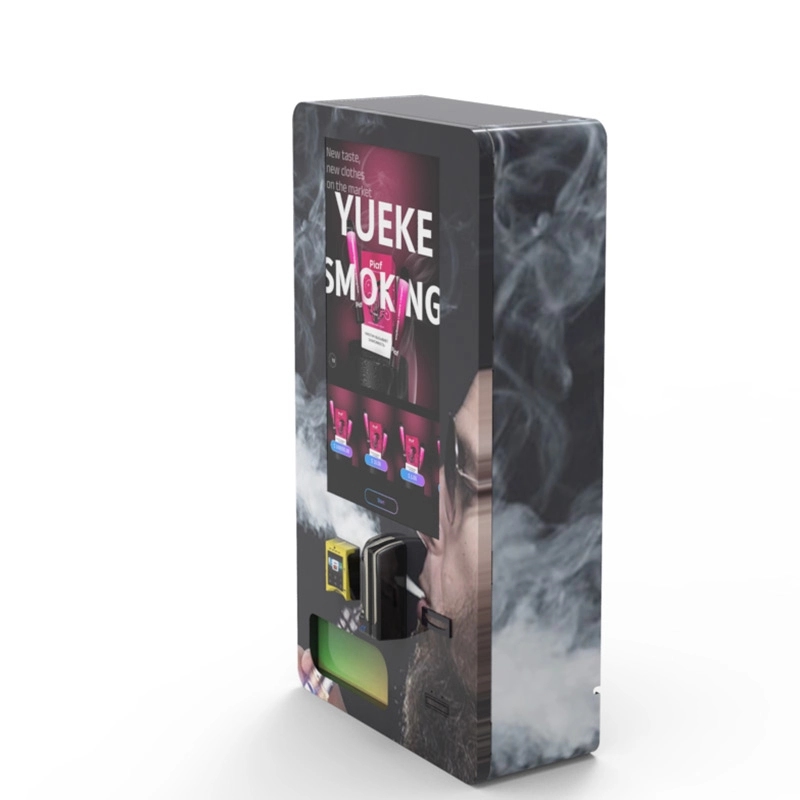
We manufacture our own line of machines that meet these criteria. You can see the technical specifications for our wall-mounted compact model and our ID scan vending machine on our product pages. I’m not going to tell you that we’re the only option. I’ll tell you that we’ve been building these machines for fifteen years, and we’ve fixed every problem I just described in our own designs. That counts for something when you’re deploying in a regulated market.
Long-Term Maintenance and Operational Strategy
OCR hardware is generally reliable, but it does require maintenance. The camera lens needs cleaning every two to three months, depending on the environment. Dust and residue from handling IDs build up on the glass. If you don’t clean it, scan failure rates increase. We include a cleaning kit with every machine and a maintenance checklist in the manual. It takes about five minutes per machine per visit.
The software side requires more attention. You need to update the ID template database at least quarterly. Most manufacturers provide this as part of the annual subscription. If you skip updates, you’ll start seeing rejections of legitimate IDs from states that have redesigned their licenses. That hurts your revenue and frustrates customers.
From a long-term strategy perspective, I recommend operators budget for a full OCR module replacement every four to five years. The camera technology improves, and the software becomes more efficient. Replacing the module keeps your machine competitive and reduces the risk of obsolescence. The cost is usually around three hundred to five hundred dollars for the module itself, plus labor. It’s a small investment compared to the revenue the machine generates over that period.
Frequently Asked Questions
Can OCR ID verification read a damaged or scratched ID?
Does OCR verification work with vertical IDs or out-of-state licenses?
What happens if the OCR system fails during a transaction?
How much does it cost to add OCR to an existing machine?
Does OCR verification protect against chargebacks or legal liability?
Can OCR be fooled by a printed copy of an ID?
What internet connection does the OCR system require?
How do I choose between OCR and biometric verification?
Sources
Brookings Institution. “Age-Restricted Sales Automation: Effectiveness of Machine-Based ID Verification.” 2022. brookings.edu
Statista. “Vending Machine Market in the United States.” 2023. statista.com
National Conference of State Legislatures. “Age Verification Requirements for Tobacco and Vaping Products.” 2023. ncsl.org
Forbes. “The Rise of Smart Vending Machines in Regulated Retail.” 2023. forbes.com