Age Verification Vending Guide
ID scanning and facial recognition solve different parts of the age-verification problem. An ID scanner checks the document and age data; facial matching can add a second check that the person using the machine matches the ID. For most unattended vending projects, Zhongda Smart recommends a document-first workflow, with facial matching added only when the location, product category, or fraud risk justifies the extra step.
Quick answer
Choose ID scanning as the primary age gate when you need a clear document-based check before payment. Add facial matching with liveness detection when borrowed-ID risk is high or the machine operates in a more controlled, unattended environment. Do not treat facial age estimation alone as a universal replacement for document verification; local legal requirements vary by market and product category.
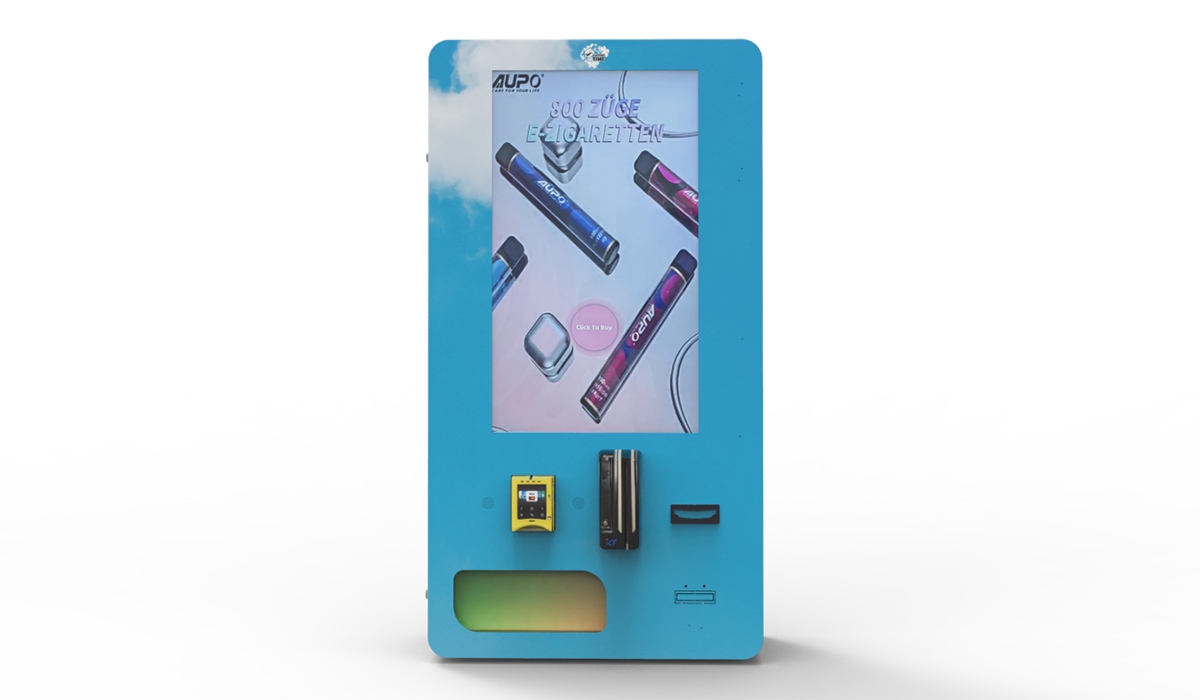
ID Scanning and Facial Recognition Solve Different Problems
An age-verification vending machine should decide whether a sale can continue before payment is unlocked. The most important design question is therefore not which technology sounds more advanced, but what each verification layer is expected to prove.
ID scanning reads information from an accepted identity document and checks data such as date of birth, document format, and, depending on the scanner and project configuration, expiration or other document fields. Its main purpose is to establish whether the presented document indicates that the buyer meets the required age threshold.
Facial matching addresses a different risk: whether the person standing at the machine appears to be the person shown on the ID. In a well-designed workflow, the live camera image is compared with the document photo after the ID check. Liveness detection can add protection against simple presentation attacks such as using a printed image or phone screen.
This distinction matters because a valid ID can still be used by the wrong person. Document scanning can confirm the age associated with the document; face matching can provide an additional identity-consistency check. For that reason, Zhongda Smart generally treats facial matching as an optional second layer rather than a substitute for document-based verification.
| Verification layer | Primary question | Typical role in vending |
|---|---|---|
| ID scanning | Does the presented document show an eligible age? | Primary gate before payment |
| Face matching | Does the live buyer appear to match the ID photo? | Optional second layer for higher-risk deployments |
| Liveness detection | Is the camera seeing a live person rather than a simple image presentation? | Supporting control when face matching is enabled |
When ID Scanning Is the Better First Layer
For many vending projects, ID scanning is the simplest place to start because the customer interaction is familiar: present a document, wait for the age check, then continue to payment if approved. The machine can keep payment disabled until it receives a valid verification result.
The scanner itself is only one part of the system. Real-world reliability also depends on scanner position, screen instructions, lighting, software sequencing, supported document formats, and the connection between the verification module and vending controller. A high-spec scanner can still create abandoned transactions if the buyer cannot tell where to place the document or how to retry a failed read.
A practical ID-scan workflow
The customer selects a restricted product.
The machine requests an approved ID before enabling payment.
The scanner reads the configured document fields and evaluates the age requirement.
If the check passes, the vending controller unlocks the next step.
The customer pays and the machine dispenses the product.
The backend records the transaction and verification status according to the operator's data-retention policy.
What to check before choosing an ID scanner
Which ID document formats are supported in the target country or market?
Can the system reject expired or unsupported documents when the project requires it?
Does verification happen before payment, not after?
Can failed scans show a useful retry message rather than a generic error?
Can the backend log pass/fail status, machine ID, transaction time, and error codes without retaining unnecessary personal data?
Can the scanner be positioned at a comfortable height and angle for the intended venue?
Buyers who want a document-first configuration can review Zhongda Smart's ID scan vending machine as an example of how ID verification can be integrated with payment and vending control.
When Facial Matching Adds Value
Facial recognition is a broad term. For age-restricted vending, it is useful to separate face matching from facial age estimation. Face matching compares a live person with the portrait on an ID. Age estimation attempts to infer an approximate age from facial features without relying on the document.
These approaches should not be treated as interchangeable. Camera angle, lighting, image quality, presentation attacks, algorithm thresholds, and demographic performance can affect biometric systems. NIST maintains ongoing 1:1 face-verification evaluations, which is one reason buyers should ask a technology provider for the specific matching approach and measured performance rather than accepting a generic “AI facial recognition” claim.
In vending, facial matching is most useful when the deployment has a meaningful risk of borrowed IDs or requires stronger unattended verification. When enabled, it should be integrated into the transaction sequence rather than added as a disconnected camera feature.
Typical cases where a second layer may make sense
Unattended locations where staff are not available to review questionable transactions.
Higher-risk environments where borrowed-ID attempts are a realistic concern.
Higher-value inventory where the operator wants stronger transaction controls.
Distributor programs that need different verification settings by location.
Projects where the buyer or venue specifically requires document-to-person matching.
Important compliance note
Facial images and biometric templates can trigger additional privacy, notice, consent, security, and retention obligations depending on the jurisdiction. The machine configuration should follow the rules that apply to the operator, location, product, and data-processing method. A vending-machine manufacturer can support the technical workflow, but it cannot replace local legal review.
ID Scanning vs Facial Recognition: Side-by-Side Comparison
The right choice is usually a layered architecture rather than an either/or decision. The table below summarizes the practical trade-offs that affect customer flow, hardware design, privacy, and fraud control.
| Factor | ID scanning | Facial matching | Zhongda Smart recommendation |
|---|---|---|---|
| Main purpose | Reads document data and evaluates age eligibility | Compares the live buyer with the ID portrait | Use the ID check as the base layer |
| Customer familiarity | Generally familiar in age-restricted retail | Requires clearer notice and camera guidance | Keep instructions short and visible |
| Borrowed-ID control | Limited if used alone | Adds a document-to-person consistency check | Add for higher-risk unattended locations |
| Hardware | ID scanner, controller, screen, backend connection | Camera, lighting, matching software, liveness option | Design the cabinet around the full workflow |
| Privacy sensitivity | Depends on document data collected and retained | Typically higher because biometric data may be processed | Minimize collection and retention |
| Common field issues | Glare, damaged documents, dirty glass, poor positioning | Low light, face obstruction, camera height, threshold settings | Test the complete transaction before deployment |
| Best fit | Most document-based age-verification projects | Projects needing an additional person-to-ID check | ID first; face match only where it adds measurable value |
Planning a custom vending project?
Get the verification flow defined before you order the machine
Tell Zhongda Smart your target country, product category, ID method, payment system, cabinet capacity, and branding requirements. The project team can match the scanner, camera option, vending controller, and backend workflow to the deployment.
Request a Configuration & Quote →The Verification Sequence Matters More Than a Feature List
A reliable machine is a controlled sequence of events. Verification should be connected to payment and dispensing logic, not treated as a separate accessory. A scanner that can read an ID is not enough if the payment terminal ignores the result. A camera that captures a face is not enough if the system does not know whether matching passed. A backend dashboard is not useful if it cannot distinguish verification errors from payment or dispensing faults.
Recommended transaction logic
Product selection → ID check → optional face match/liveness → verification pass → payment enabled → payment approved → product dispensed → transaction logged
This is also a useful purchasing test. Ask the supplier for one continuous demonstration showing selection, ID scan, optional face match, payment, dispensing, and the corresponding backend record. A complete workflow video is more informative than separate demonstrations of individual components.
Accuracy in the Field Depends on More Than the Algorithm
Age-verification performance is a system problem. Scanner quality, camera placement, cabinet geometry, screen design, network stability, payment sequencing, lighting, software configuration, and customer behavior all affect completion rates.
For ID scanning, common issues include glare, damaged documents, dirty scanner glass, unsupported document formats, and awkward scanner height. For face matching, low light, face coverings, camera angle, and overly strict or poorly tuned matching thresholds can create unnecessary failures. For the overall vending workflow, the most serious errors are sequencing errors that allow payment or dispensing at the wrong stage.
| Problem | Likely cause | What to test |
|---|---|---|
| Repeated ID read failures | Glare, damaged ID, dirty glass, scanner angle | Physical placement, lighting, cleaning, retry instructions |
| Customer abandons the transaction | Too many steps or unclear prompts | Screen copy, button size, error messages, number of retries |
| Face match fails too often | Low light, camera height, obstruction, threshold settings | Lighting, framing guide, camera position, controlled retries |
| Payment starts before approval | Verification is not integrated with vending logic | Controller state logic and failure-state behavior |
| Operator cannot diagnose failures remotely | Backend records only payment data | Verification status, machine ID, timestamp, transaction ID, error code |
Privacy and Data Security Should Be Part of the Machine Design
Once a machine scans an identity document or processes a facial image, the project is also a data-handling system. The operator should know what data is collected, where it is processed, what is retained, how long it is retained, who can access it, and what happens when verification fails.
A useful design principle is data minimization: collect and retain only what the transaction and applicable rules require. In many deployments, the operator may be able to keep a verification result, timestamp, machine ID, transaction ID, and error code without keeping a full ID image or face image after the transaction. The correct policy depends on jurisdiction and project requirements.
The FTC has warned that biometric technologies raise privacy, data-security, bias, and discrimination concerns, and it has specifically cautioned against unsupported claims about biometric accuracy or effectiveness. That makes precise product language important: describe what the system actually checks, how it is configured, and what data it processes rather than using broad claims such as “100% secure AI recognition.”
| Data type | Question to ask |
|---|---|
| Age result | Can the system retain only an eligibility result when full birth-date storage is unnecessary? |
| ID image | Is an image retained at all? If yes, why, for how long, and who can access it? |
| Face image or template | Is it processed locally or remotely, and is it deleted after the comparison when possible? |
| Transaction log | Does the log contain enough information for service and dispute review without storing unnecessary identity data? |
| Operator access | Are permissions restricted to staff who actually need access? |
Recommended Verification Setup by Deployment Type
The best configuration depends on the deployment rather than the length of the feature list. A supervised retail environment, an unattended venue, and a multi-location distributor program have different operational and fraud risks.
| Deployment | Suggested verification architecture | Why |
|---|---|---|
| Small supervised retail shop | ID scanning as the base configuration | Simple customer flow with staff nearby if help is needed |
| Unattended age-restricted venue | ID scanning plus optional facial matching/liveness | Adds protection when no staff member is present |
| Hotel or private facility | ID scanning, with settings based on the product and venue rules | Keeps operation compact while supporting controlled access |
| Distributor or multi-site program | Configurable ID scanning and optional facial matching by machine | Different locations can use different risk settings |
| Higher-value restricted inventory | ID scanning, optional face match, remote alerts, detailed event logs | Adds fraud and inventory controls around each transaction |
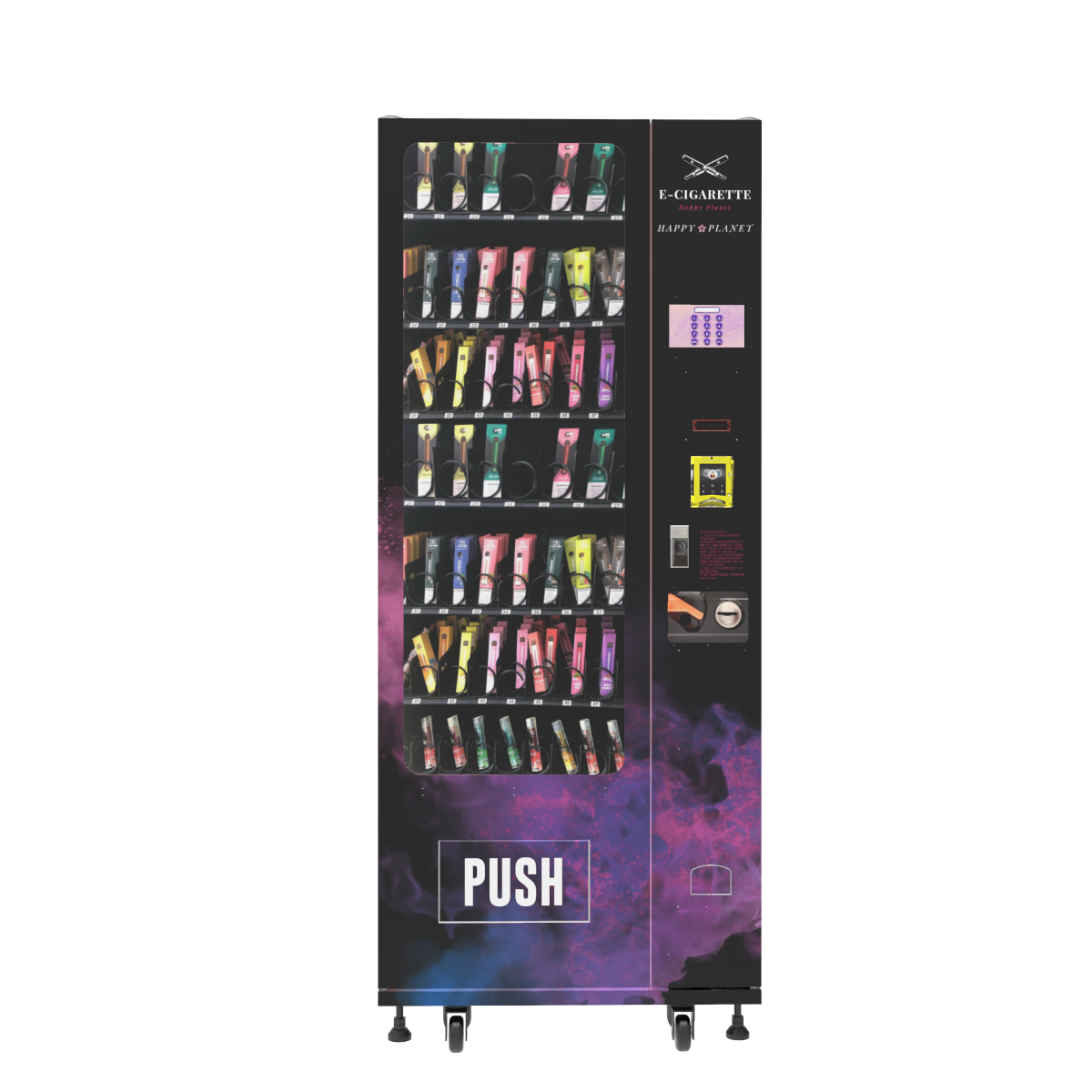
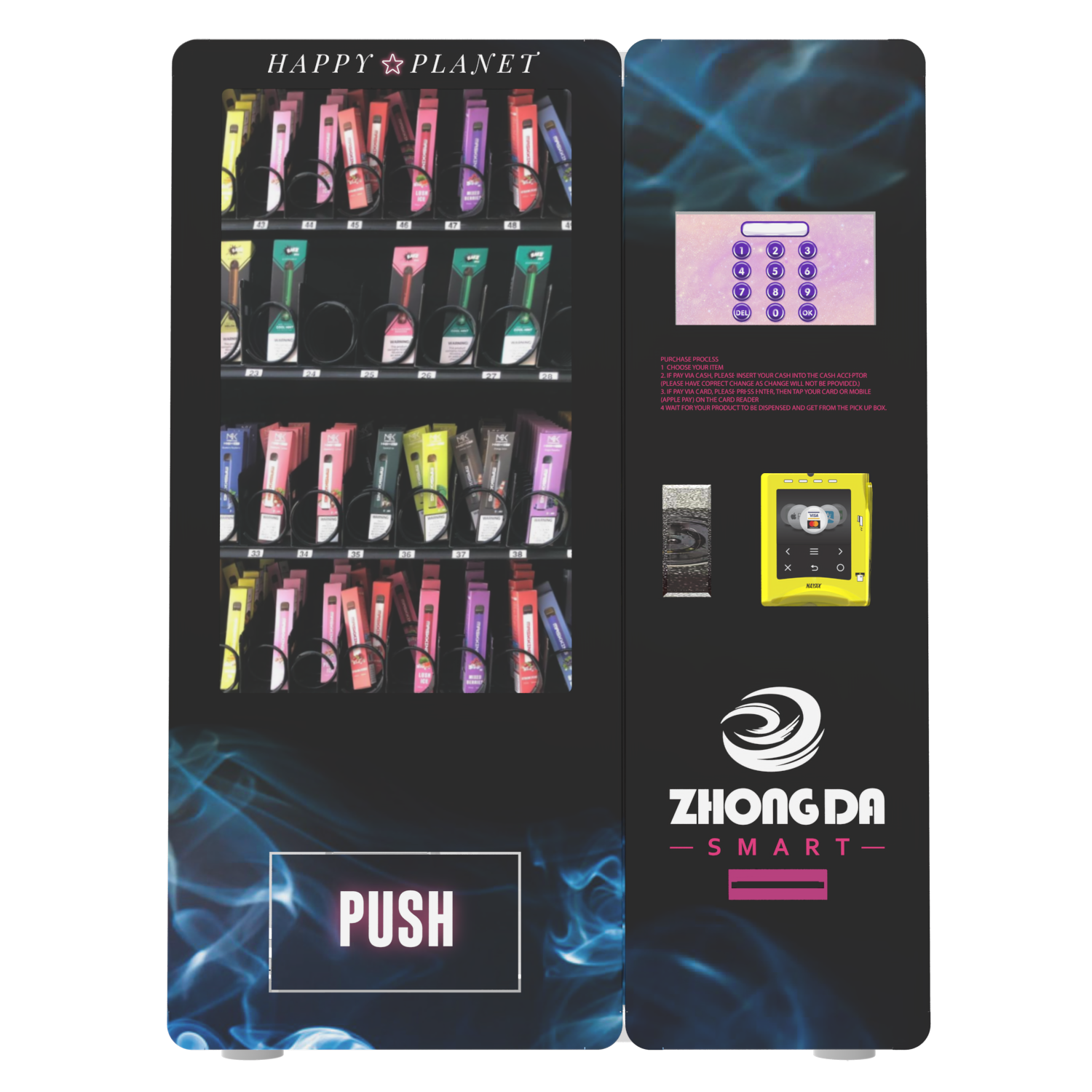
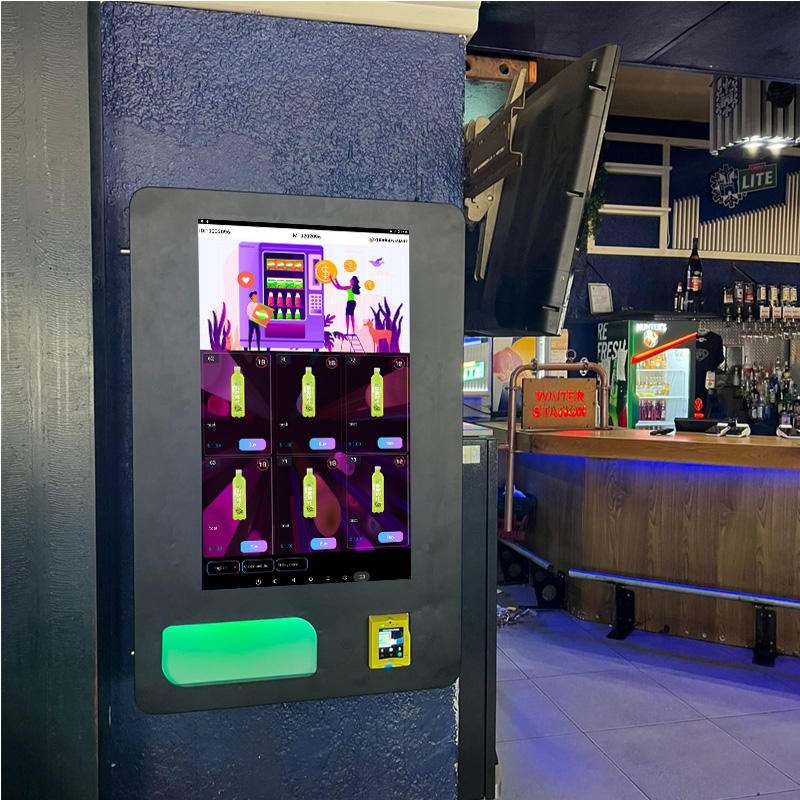
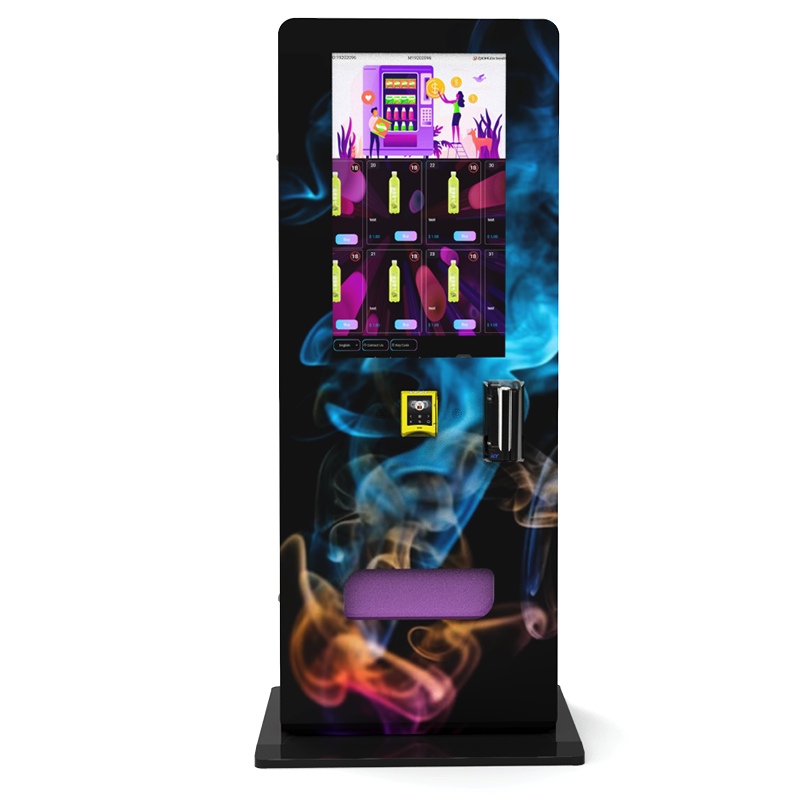
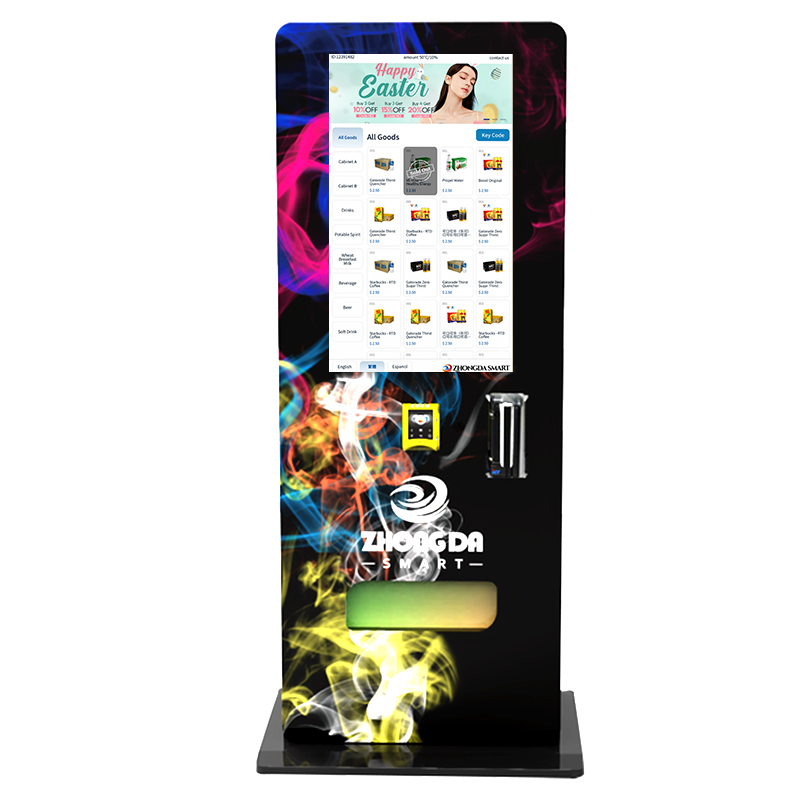
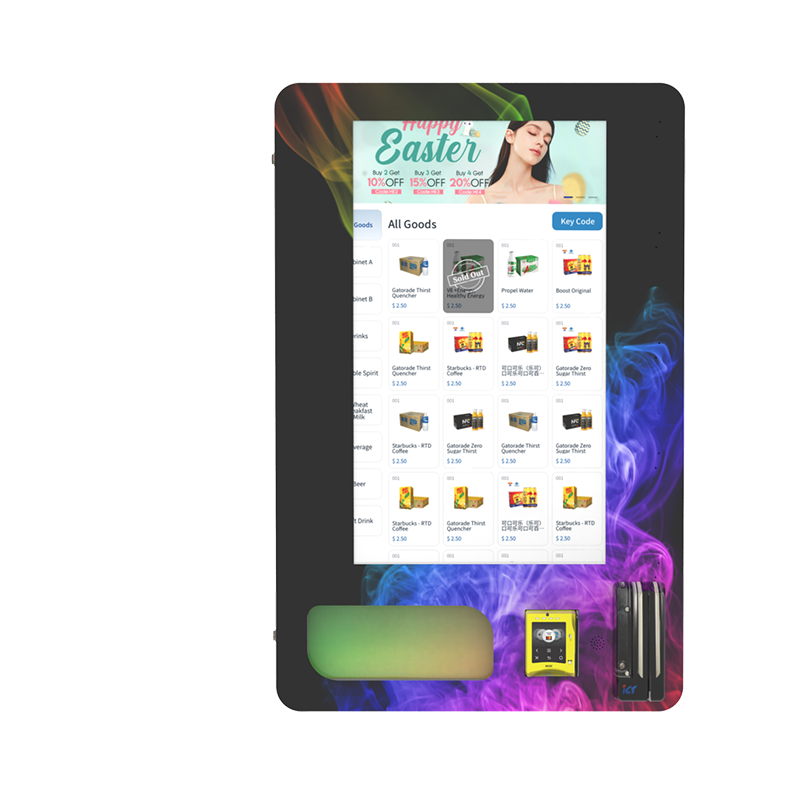
Zhongda Smart's age verification vending machine range can be configured around different cabinet sizes, payment systems, verification modules, and remote-management requirements. For e-cigarette projects, buyers can also review the compliant e-cigarette vending machine page for a product-specific configuration example.
Cost: Compare the Verification System, Not Just the Cabinet Price
Machine cost can change with cabinet size, cooling, screen size, number of product channels, payment hardware, ID scanner, camera module, software, remote-management features, and customization. A basic document-scan configuration and a machine with document scanning, face matching, liveness, a larger screen, and advanced backend controls are not directly comparable.
Buyers should also look beyond the purchase price. A lower-cost machine can become expensive if the scanner produces frequent failures, payment integration is unstable, parts are difficult to replace, or the backend cannot diagnose errors remotely. Total cost of ownership should include expected service visits, payment fees, connectivity, software charges, restocking labor, downtime, and spare-parts availability.
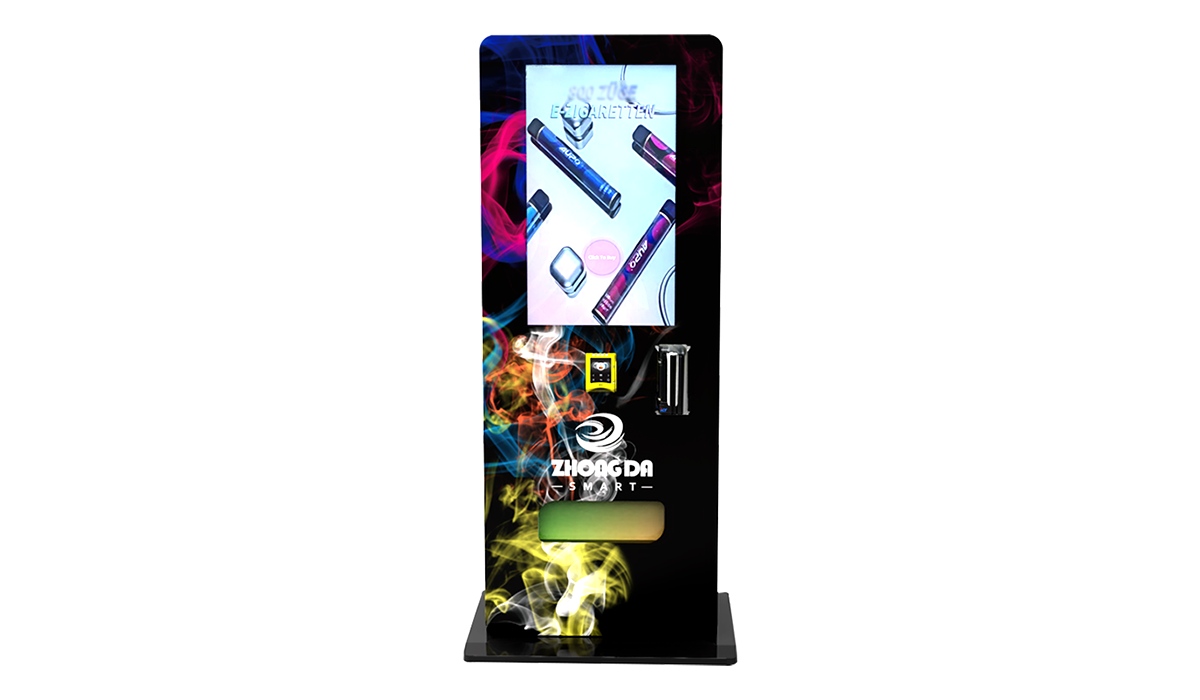
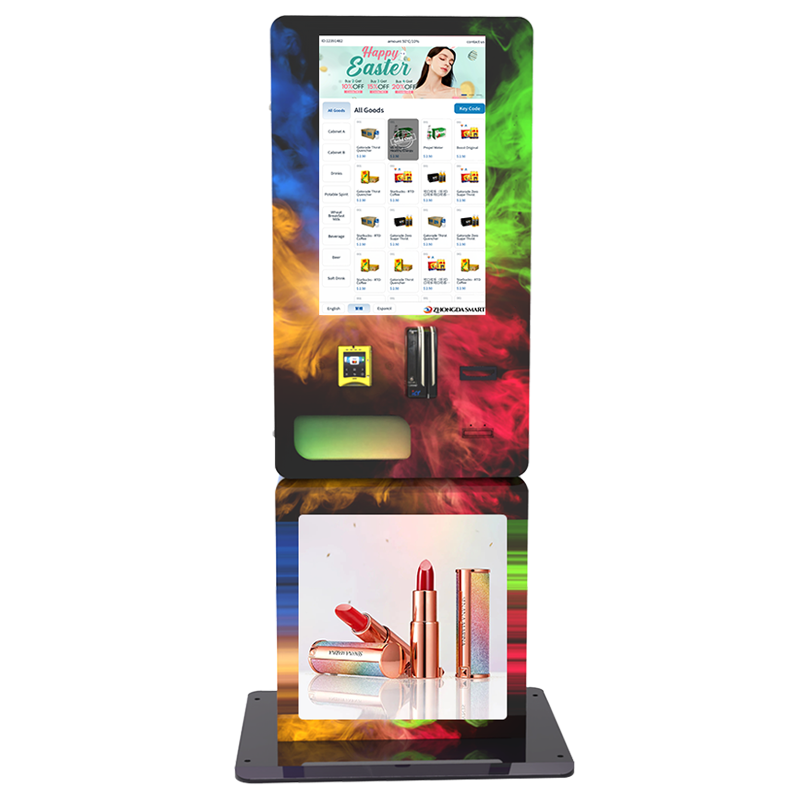
If you are comparing cabinet formats, Zhongda Smart's vape vending machine range includes compact, wall-mounted, and larger floor-standing options that can be combined with age-verification and cashless-payment configurations.
Questions to Ask an Age Verification Vending Machine Manufacturer
A supplier should be able to explain the full transaction path, not just say that a machine “supports age verification.” Use the questions below to compare proposals on the same basis.
Can the vending controller block payment until verification passes?
Which ID document formats are supported in the target market?
Can unsupported or expired documents be handled according to the project rules?
Is facial matching optional, and does the face workflow include liveness detection when required?
What identity or biometric data is processed, transmitted, and stored?
Can data-retention settings be adjusted to the deployment policy?
Does the backend show sales, inventory, verification status, machine events, and error codes?
Which cashless payment options can be integrated in the target market?
Can the cabinet layout, product channels, UI, language, and branding be customized?
What remote support, spare parts, and warranty process are available after shipment?
Can the supplier show one continuous verified-purchase demo from selection through backend logging?
Project brief for Zhongda Smart
Send six details and get a more useful quotation
Include your country/market, product type, preferred ID method, payment method, expected capacity, and branding requirements. These details make it easier to recommend a workable cabinet and verification sequence instead of sending a generic machine price.
Contact Zhongda Smart →Pre-Launch Checklist
The machine should be tested at the actual installation conditions whenever possible. Placement can change scanner glare, camera framing, network stability, and customer interaction.
Confirm that vending sales are permitted for the product and location.
Confirm the age-verification method required by the local project rules.
Confirm supported ID types and test representative documents.
Test verification failure states before enabling live sales.
Confirm that payment remains disabled when verification fails.
Check lighting around both the scanner and camera.
Review on-screen privacy and verification notices.
Test the payment provider and network connection at the installation site.
Train staff on restocking, refunds, failed verification, and remote error alerts.
Document the machine ID, location code, support contacts, and backend-access responsibilities.
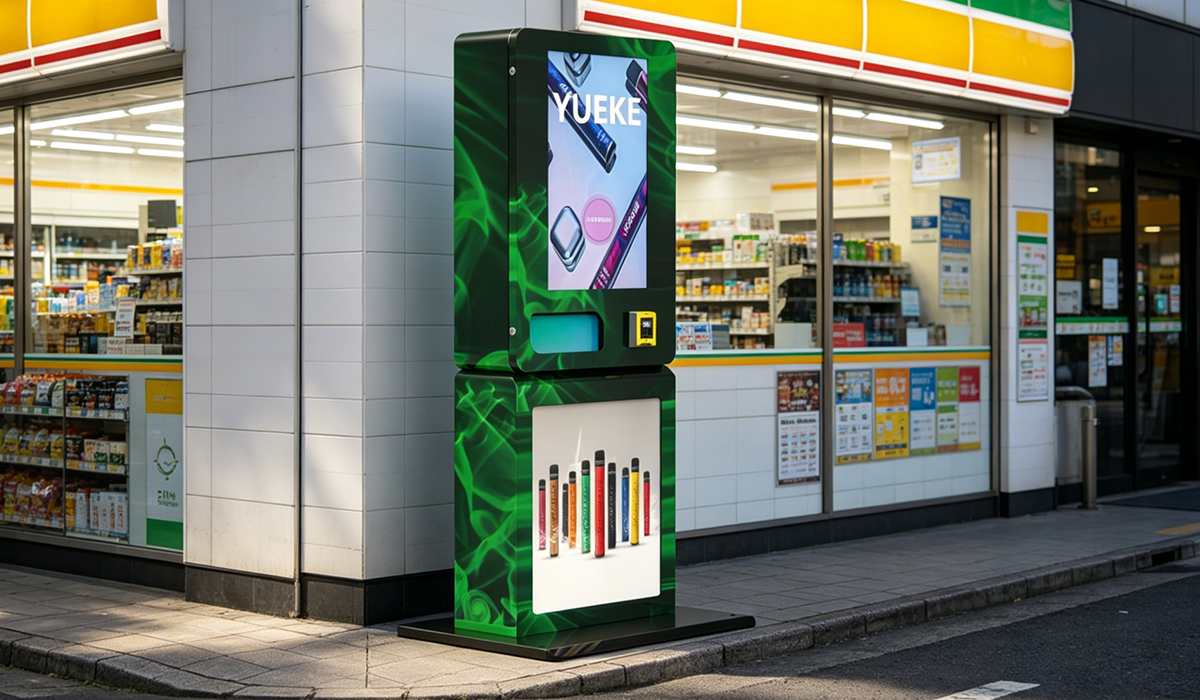
Zhongda Smart's Recommended Baseline
For a new restricted-product vending project, Zhongda Smart's default design approach is straightforward: start with document-based age verification, connect it directly to payment control, and add facial matching only when there is a specific risk or project requirement that it solves.
This keeps the architecture easier to explain and test. It also avoids adding biometric processing where it does not provide a clear operational benefit. When face matching is required, the camera position, lighting, liveness checks, failure handling, and data policy should be designed as part of the machine rather than added after the cabinet is finished.
The manufacturing question is therefore not “Does the machine have AI?” It is “Can the scanner, camera, vending controller, payment terminal, dispensing system, and backend work as one controlled transaction?” That is the workflow buyers should verify before placing an order.
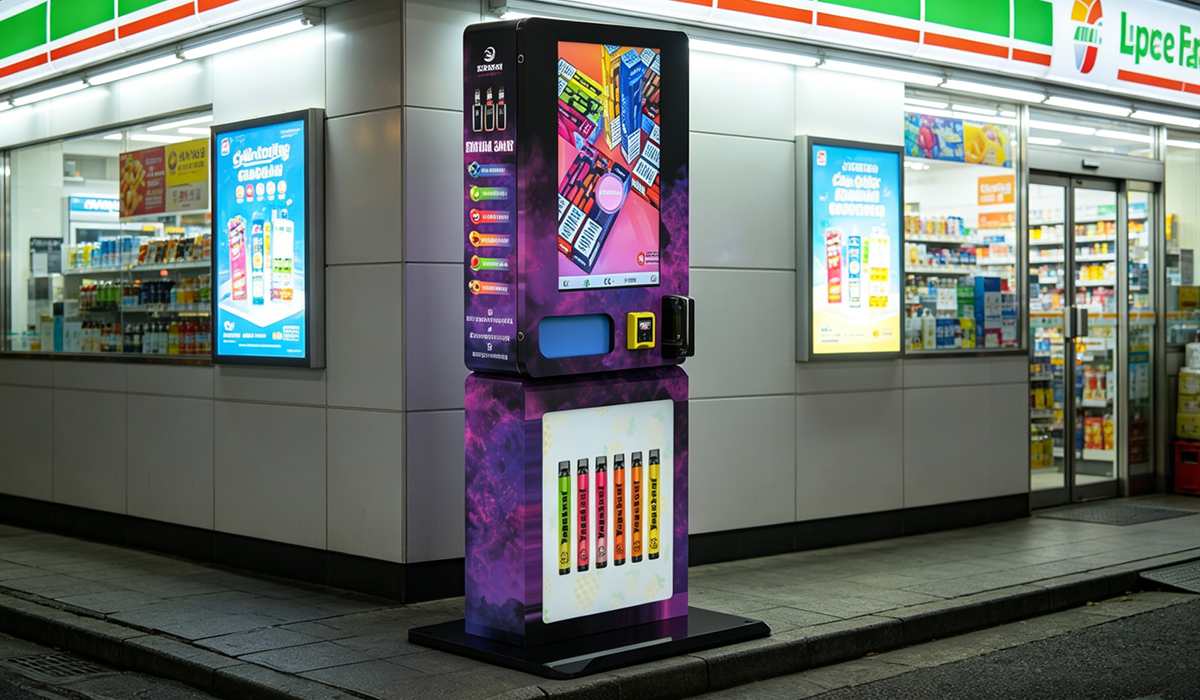
Frequently Asked Questions
Is ID scanning enough for an age verification vending machine?
It can be the primary verification layer for many deployments, but the correct setup depends on local rules and the risk profile of the location. Higher-risk unattended projects may add facial matching to reduce borrowed-ID risk.
Is facial recognition better than ID scanning?
They serve different purposes. ID scanning evaluates the document and age data, while facial matching can check whether the person using the machine appears to match the document photo. Zhongda Smart generally recommends using facial matching as a second layer when the project needs it.
Can a vending machine estimate age from a face?
Some systems can estimate age from facial characteristics, but age estimation is not the same as document verification or 1:1 face matching. Buyers should confirm whether a proposed system is estimating age, comparing a person with an ID, or doing both, and whether that method satisfies the applicable local rules.
What happens if face matching fails?
The transaction should remain blocked. The interface can allow a controlled retry if the operator has enabled one, but payment and dispensing should not continue until the configured verification conditions are met.
What data should the machine store?
Store only what the operator needs and is permitted to retain. A minimal transaction record may include verification status, timestamp, machine ID, transaction ID, payment status, and an error code. Whether ID images, birth dates, face images, or biometric templates are retained should be decided through the project's privacy and legal requirements.
What products can use age-verification vending?
The technology can be configured for product categories where the operator needs an age gate, but whether a product can legally be sold through a vending machine depends on the jurisdiction, venue, and product category. Confirm local requirements before deployment.
What should I send Zhongda Smart for a quotation?
Send the destination country, product type and dimensions, expected capacity, preferred ID-verification method, payment method, installation type, and any branding or software requirements. A detailed project brief produces a more useful configuration than asking only for the lowest machine price.
Reference Sources
The following sources are useful background for identity-proofing, face-verification performance, and biometric-data risk. They are not vending-machine compliance rules for every jurisdiction.
NIST SP 800-63-4: Digital Identity Guidelines — current NIST digital-identity guidance, published in 2025 and superseding SP 800-63-3.
NIST Face Recognition Technology Evaluation (FRTE) 1:1 Verification — ongoing evaluation of face-verification algorithms.
FTC Policy Statement on Biometric Information — U.S. consumer-protection guidance on biometric privacy, security, and technology claims.