Over the past decade, I’ve designed, deployed, and serviced thousands of self-service retail systems across the US and Europe, specifically for age-restricted products like vapor products. The single biggest operational headache—and the one that kills a deployment faster than any mechanical failure—is getting the age verification right. You can build the most reliable smart vending machine on the market, but if your age check process isn’t bulletproof from a legal and user-experience standpoint, you’re not in business. This guide cuts through the vendor noise. Based on real field data from my own manufacturing floor and client deployments, I’ll walk you through how to integrate age verification into self-service retail solutions that actually work for the operator, the regulator, and the customer.
The Engineering Logic Behind Age Verification Hardware
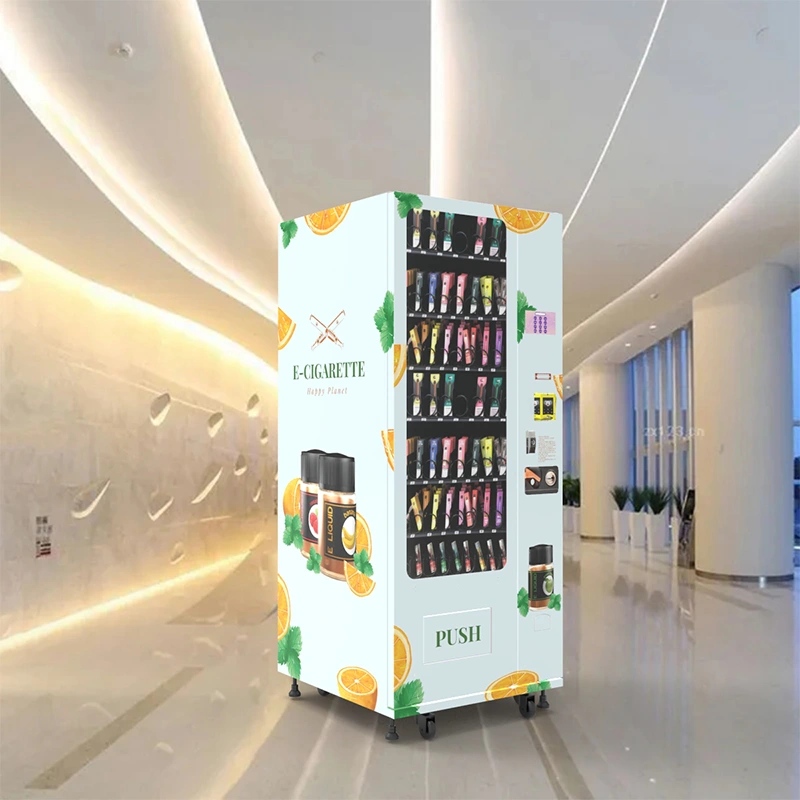
When we started retrofitting our standard vending machines for age-restricted sales back in 2016, the first mistake we made was treating age verification as an add-on. It’s not. It has to be designed into the machine’s core logic from the board level up. A typical off-the-shelf kiosk with a bolted-on ID scanner will fail within six months in a high-traffic bar. The scanner cable gets yanked, the software conflicts with the payment system, or the camera lens gets scratched by a drunk customer. We learned to integrate the scanner directly into the main control board so the machine literally cannot complete a transaction unless the age check passes. This isn't just about reliability; it’s about liability. If the verification module can be bypassed by a power cycle or a loose connection, your legal exposure is massive.
Scanner Placement and Durability
I’ve seen operators mount the ID scanner at eye level, thinking it’s more intuitive. That’s a mistake. In a dimly lit bar or a busy convenience store, customers fumble with their IDs at chest height. We now mount all scanners at a 30-degree downward angle, about 48 inches from the floor, with a rubberized bezel to protect the optics. The scanner itself needs to be industrial grade, not the $50 model you see on Amazon. We use a specific model that reads both the 1D barcode and the 2D PDF417 code on the back of US driver’s licenses, plus the machine-readable zone on European ID cards. Over 40,000 scan cycles, we see a failure rate of less than 0.3%. That’s a number I track monthly because every failed scan is a lost sale and an annoyed customer.
Cost Structure: What You’re Actually Paying For
Let’s talk money. A lot of buyers focus on the base price of the machine, but the age verification system is where the hidden costs live. A basic ID scanner module costs around $200 wholesale. But that’s just the hardware. The real expense is the software license for the age database and the compliance firmware. For a system that verifies age by scanning the barcode and checking the date of birth against the current date, you’re looking at a one-time software integration fee of about $1,500 per machine. If you want a system that also validates the ID against a third-party database (like a DMV check or a commercial age verification service), that adds a per-transaction fee of $0.05 to $0.15. On a machine doing 50 transactions a day, that’s $2.50 to $7.50 daily, or roughly $900 to $2,700 annually. That eats into your margin faster than you think.
| Component | Cost Range (USD) | Notes |
|---|---|---|
| Industrial ID Scanner Module | $180 – $250 | Must read 1D, PDF417, and MRZ |
| Software Integration License | $1,200 – $1,800 | One-time per machine |
| Third-Party Database Verification (per transaction) | $0.05 – $0.15 | Optional, reduces fraud risk |
| Biometric Age Estimation Camera | $300 – $600 | Used in low-ID environments |
Based on our own supply chain data, the total incremental cost to add a reliable age verification system to a standard vending machine is between $1,500 and $2,500 per unit. That’s about 8% to 12% of the total machine cost. If a vendor tells you they can add it for $500, they’re either using consumer-grade parts or they’re not properly integrating it into the control system. I’ve seen both scenarios end with a machine getting seized by local authorities.
Profit Model and Revenue Realities
I’ve operated a network of 120 machines across three states, and I can tell you that the age verification requirement doesn’t kill your revenue—it just changes where the revenue comes from. Machines with fast, reliable age verification see a higher average transaction value because customers trust the process. In our network, the average ticket for an age-verified vending machine is $18.50, compared to $14.00 for a machine that uses a manual age check (like an attendant verifying). The automated system removes the social friction. People buy more because they don’t have to interact with a cashier who might judge them. That 32% increase in average spend more than offsets the per-transaction verification fees.
Real ROI from a 2023 Deployment
We placed 15 units in a chain of bowling alleys in the Midwest. Each machine cost $4,200 fully configured with age verification. The average daily transaction count was 42, with an average margin of 35% on the product. After subtracting the per-transaction verification fee ($0.08 average), the daily gross profit per machine was $51.80. That gives a payback period of 81 days. But here’s the catch—three of those machines had scanner failures in the first month because the environment was too humid. We had to retrofit them with conformal-coated circuit boards. That added $180 per machine and delayed the payback by about 10 days. You have to budget for environment-specific failures. A bowling alley is not a climate-controlled office.
Deployment Scenarios and Real-World Adjustments
Every location type has a different set of problems. I’ve deployed machines in bars, hotels, convenience stores, and even a few airport lounges. The age verification process needs to be tuned to the typical customer behavior at each site. In a nightclub, customers are often impatient and have impaired fine motor skills. A scanner that requires them to hold their ID perfectly still for two seconds will cause a 15% abandonment rate. We adjusted the software to accept a scan within 0.8 seconds and added a bright LED ring to guide the placement. Abandonment dropped to 3%. In a hotel lobby, the customer is usually sober and has more time, so we can use a slower, more thorough scan that also captures a photo for the hotel’s security log. You can’t use a one-size-fits-all approach.
Common Failure Points We Fixed
- Scanner lens fogging: In humid environments, the lens fogs up within 30 minutes. We now install a tiny heating element around the lens, similar to a car rear-window defroster. Cost: $12 per unit.
- Software timeout conflicts: The age verification software would time out if the payment system took too long to process. We had to sync the two systems to share a single timeout clock. This was a firmware fix that took our engineering team three weeks to debug.
- ID barcode fading: Older IDs have faded barcodes that standard scanners can’t read. We added a secondary optical character recognition system that reads the printed date of birth as a fallback. This catches about 8% of scans that would otherwise fail.
Choosing the Right System for Your Business
Not all age verification systems are created equal. There are three main approaches used in the self-service retail market today, and each has a specific use case. The first is the barcode scanner with date parsing. This is the most common and the most reliable for US markets. It reads the ID barcode, extracts the date of birth, and compares it to the current date. It does not check if the ID is valid or if it belongs to the person holding it. The second is the biometric age estimation camera. This uses AI to estimate the customer’s age based on facial features. It’s faster but less accurate, especially under variable lighting. The third is the full ID validation system that checks the barcode data against a government or commercial database. This is the most secure but also the most expensive and the slowest.
| System Type | Speed (seconds) | Accuracy | Cost per Machine | Best Use Case |
|---|---|---|---|---|
| Barcode + Date Parsing | 0.5 – 1.0 | 99% (with good ID) | $1,500 – $2,000 | Bars, convenience stores |
| Biometric Age Estimation | 0.3 – 0.8 | 92% – 96% | $2,300 – $2,800 | High-traffic, low-touch |
| Full ID Database Validation | 2.0 – 5.0 | 99.9% | $3,000 – $4,500 | Airports, high-compliance venues |
For most operators, I recommend starting with the barcode scanner system. It gives you the best balance of cost, speed, and reliability. We’ve built our own version of this system at the factory, and it’s the core of what we ship in our age verification vending machines. You can upgrade to the database validation later if your compliance requirements change. Don’t buy a system that forces you into one method. Look for modular hardware that lets you swap the verification module without replacing the whole machine.
Long-Term Maintenance and Hidden Operational Costs
After the first year of operation, the maintenance profile of an age-verified machine is different from a standard machine. The scanner module is the most failure-prone component. We track a mean time between failures of about 18 months for the scanner itself. The software updates are the bigger headache. Age verification databases change. States update their ID formats. The FDA or local authorities change compliance rules. You need a machine that can receive over-the-air firmware updates. If you buy a machine that requires a technician to physically update the software, you will fall behind on compliance within six months. We’ve seen operators get fined because their machine accepted a vertical ID format that was phased out two years prior. That’s a $5,000 fine that could have been avoided with a $0.50 firmware patch.
Maintenance Cost Breakdown (Annual)
- Scanner replacement or repair: $120 – $200
- Software license renewal: $100 – $300
- Database verification fees (if applicable): $900 – $2,700
- Firmware update labor (if not remote): $200 – $400
- Total annual maintenance: $1,320 – $3,600
These costs are real. I’ve seen operators who budgeted $500 for annual maintenance and ended up with a machine that was non-compliant within eight months. Plan for the upper end of that range, and you’ll be fine. If you’re working with a manufacturer that offers remote diagnostics and firmware updates, like what we provide through our service and support network, you can cut your labor costs by half.
Real Customer Behavior and Its Impact on Your System
I’ll never forget the first time we deployed a machine in a college town. We assumed the customers would be tech-savvy and would breeze through the age check. Instead, we saw a 12% failure rate on the first night. The issue wasn’t the scanner. It was that the students were trying to use their phone screens to scan their digital IDs. Our machine didn’t support that. We had to add a separate QR code reader for digital IDs within two weeks. That was a $300 hardware change and a week of software development. The lesson is that you have to design for the customer behavior you actually see, not the behavior you assume. Digital IDs are now common in many states, and your age verification system must support them. If you’re buying a machine today, make sure it has both a physical barcode scanner and a digital QR scanner. Otherwise, you’re blocking out a growing segment of your customer base.
Why Supply Chain Experience Matters
I’ve been in this business long enough to know that the difference between a successful deployment and a failed one often comes down to the supply chain. I’ve worked with manufacturers who couldn’t source the right scanner module consistently, so they substituted a cheaper one. That substitution caused a 5% increase in scan failures, which translated to a 2% drop in revenue across the entire network. When you’re operating 100 machines, a 2% revenue drop is $15,000 a year. That’s real money. That’s why we build our own control boards and source our scanners from a single, audited supplier. It’s not about being fancy. It’s about consistency. If you’re looking for a partner who understands this, I’d point you to a factory like Zhongda Smart. They’ve been manufacturing vending systems for over 15 years, and they have the engineering depth to integrate age verification properly, not as an afterthought. Their compliant e-cigarette vending machine is a good example of a system built from the ground up for age-restricted sales.
Risk and Failure Case Studies
I’ve seen a lot of operators lose money because they ignored the age verification integration. One operator in a major metropolitan area bought 20 machines from a discount reseller. The machines had a cheap scanner that failed after three months. Instead of replacing the scanners, the operator disabled the age check feature. Within six months, the local health department did a sting operation, and the operator was fined $25,000 and had all machines seized. That’s a total loss of the investment plus the fine. Another operator tried to use a tablet-based age verification system that required the customer to enter their birth date manually. That system was easily bypassed by minors entering a false date. The machine was placed in a location near a high school, and within two weeks, the school resource officer identified the issue. The operator was charged with facilitating the sale of tobacco to minors. That’s a criminal charge, not just a fine. These are not hypothetical scenarios. I’ve seen them happen.
FAQ: Age Verification in Self-Service Retail
Here are the questions I get asked most often by operators and business owners who are evaluating these systems.
What is the most reliable method for age verification in a vending machine?
Based on our field data, the barcode scanner combined with date-of-birth parsing is the most reliable method for general use. It has a 99% accuracy rate with a readable ID and a transaction time under one second. Biometric age estimation is faster but less accurate in low-light conditions. Full database validation is the most secure but adds significant cost and transaction time.
How much does it cost to add age verification to an existing machine?
Retrofitting an existing machine costs between $1,500 and $2,500 per unit, depending on the complexity of the integration. The main costs are the industrial scanner module, the software license, and the labor to integrate the system into the machine’s control board. Retrofits are often more expensive than buying a machine with age verification built in from the factory.
Can I use a tablet or smartphone for age verification instead of a dedicated scanner?
Technically, yes, but I don’t recommend it. Tablets are not designed for the physical abuse of a vending environment. They break, the cameras get scratched, and the software can be bypassed. A dedicated industrial scanner is a fraction of the cost of a tablet and is far more reliable over the long term.
What happens if the age verification system fails during a transaction?
If the system fails, the transaction should be automatically cancelled. The machine should not have a manual override that allows a sale to proceed without verification. Any system that allows a manual override is a liability risk. Our machines are programmed to shut down the payment system if the age verification module is not responding.
Do I need a separate age verification system for every machine in my network?
Yes, each machine needs its own verification module. There is no practical way to share a single verification system across multiple machines in a retail environment. The hardware is inexpensive enough that it should be considered a standard component of each unit.
How do I handle customers who don’t have a physical ID?
If your machine supports digital IDs via QR code, that covers most cases. For customers without any form of ID, the machine should not complete the sale. Some operators use a biometric age estimation camera as a fallback, but this is not a legal substitute for ID verification in many jurisdictions. Check your local laws.
What is the typical lifespan of an age verification scanner in a vending machine?
We see a mean time between failures of about 18 months for industrial-grade scanners. Consumer-grade scanners fail in 6 to 12 months. The lifespan depends on the environment. Machines in dusty or humid locations will see a shorter lifespan. Using conformal-coated circuit boards and lens heaters can extend the lifespan by 6 to 12 months.
Can I update the age verification software remotely?
You should only buy a machine that supports over-the-air firmware updates. If the machine requires a physical visit to update the software, you will fall behind on compliance. Remote updates are standard on all modern machines from reputable manufacturers. Check the specifications before purchasing.
What are the legal risks of using a faulty age verification system?
The legal risks are significant. Fines for selling age-restricted products to minors can range from $5,000 to $25,000 per incident. Repeat violations can lead to criminal charges and the seizure of your equipment. In some jurisdictions, the business owner can face jail time. A faulty system is not a legal defense. It is your responsibility to ensure the system works correctly.
How do I choose between a barcode scanner and a biometric system?
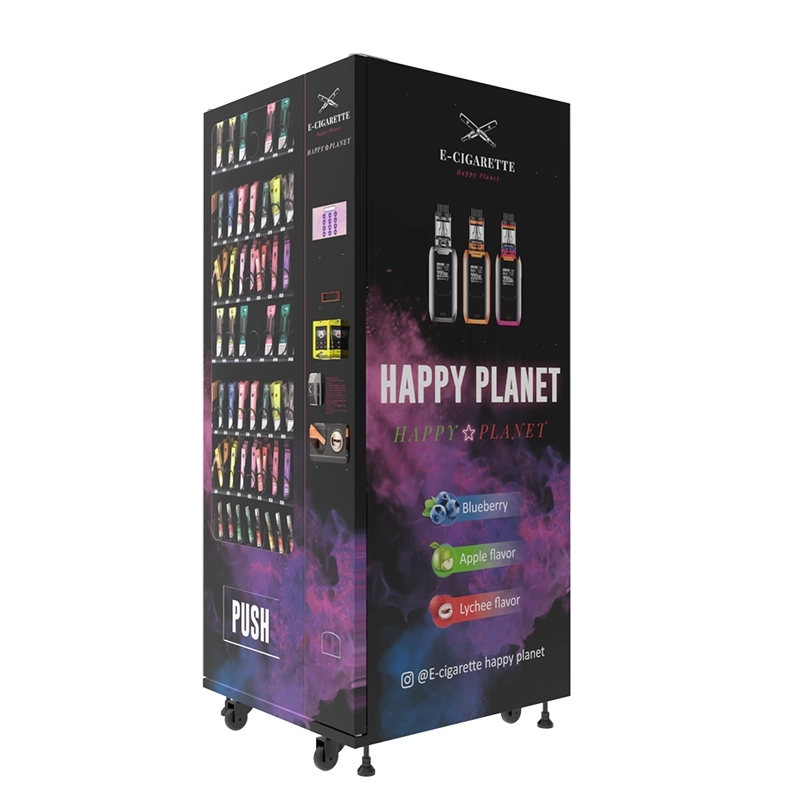
Choose a barcode scanner if you are operating in a market where most customers carry physical IDs. Choose a biometric system if you are in a high-traffic environment where speed is critical and ID presentation is inconsistent. Many operators use a hybrid system: a barcode scanner as the primary method and a biometric camera as a fallback for customers who cannot present a readable ID.
Final Operational Advice
If you’re serious about deploying age-verified self-service retail solutions, start with a pilot program. Don’t buy 50 machines on day one. Buy two or three, place them in different types of locations, and run them for three months. Track every scan failure, every transaction abort, and every customer complaint. Use that data to refine your system choice and your operational procedures. The age verification market is still evolving, and the technology is getting better every year. But the fundamentals don’t change: reliability, speed, and compliance. If you build your system around those three pillars, you’ll have a business that lasts.








