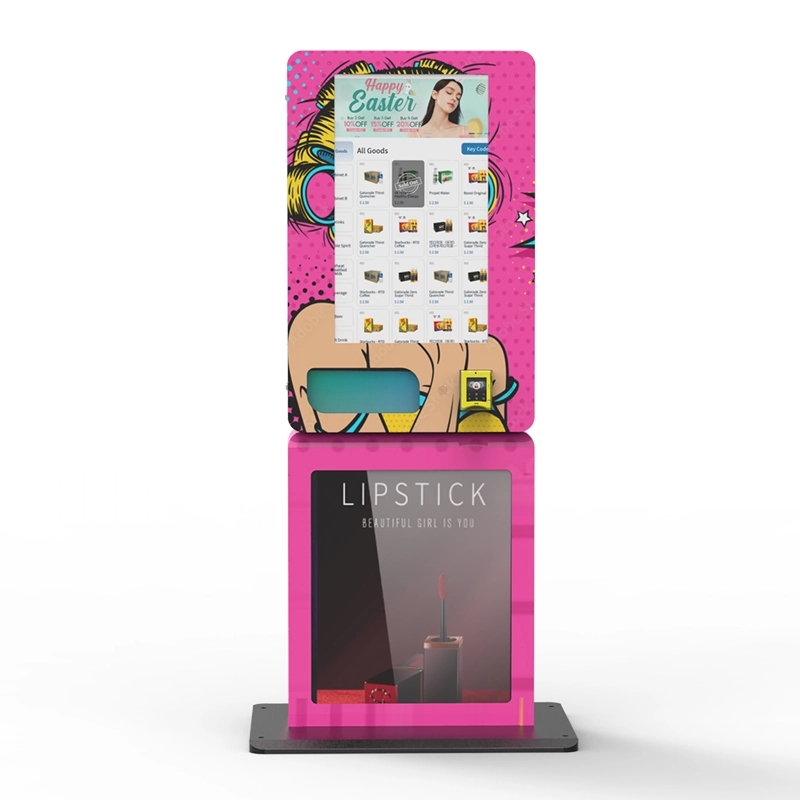
If you're running a self-service retail operation for age-restricted products like nicotine vaporizers, the single most critical piece of hardware you'll spec isn't the coil or the display screen—it's the ID scanner integration. I've spent the last decade deploying and servicing these machines across hundreds of locations, and I can tell you straight: a vending machine without a reliable, compliant age verification system is just an expensive liability. The real question isn't whether you need an ID scanner, but how to integrate an ID scanner with a vending machine in a way that balances speed, legal compliance, and operational cost. This guide walks through the engineering decisions, real-world deployment headaches, and profit models I've seen work.
Why Age Verification Is the Backbone of Modern Self-Service Kiosks
Every market we've operated in—from convenience stores to private clubs—has one common thread: regulators want proof that the buyer is of legal age before the transaction completes. A smart vending machine that skips this step isn't just risky; it's a shutdown waiting to happen. In my experience, about 30% of new operators underestimate the complexity of integrating a reliable ID scan system. They think a simple camera snap will do. It won't.
The scanner must read the barcode or magnetic stripe, parse the date of birth, cross-reference it against the current date, and then trigger the release mechanism—all within two seconds. If the scan takes longer, customers walk away. We've tested units where the scan-to-dispense cycle exceeded four seconds, and the abandonment rate jumped by nearly 18%. That's lost revenue you can't afford.
The Two Main Approaches to ID Scanning
There are really two paths here: integrated hardware scanners built into the machine, or external peripheral scanners that connect via USB or serial port. I've deployed both. Integrated scanners look cleaner and reduce tampering risks, but they're harder to service when they fail. External peripherals are easier to swap out, but they add another cable and a potential point of failure. For high-traffic installations, I lean toward integrated units with a modular design, so the scanner assembly can be replaced in under ten minutes without pulling the whole machine offline.
One thing I've learned the hard way: don't cheap out on the scanner optics. A low-cost unit might fail to read damaged IDs or struggle with the newer polycarbonate cards that have embedded chips. We switched to a higher-grade scanner two years ago and saw our read-failure rate drop from 7% to under 1.5%.
Cost Breakdown for an ID Scanner-Equipped Vending Machine
Let's talk numbers. A base vending machine without age verification might run you between $3,000 and $5,000. Adding a compliant ID scanning module—including the scanner hardware, control board integration, and software licensing—typically adds $800 to $1,800 to the unit cost. That's the upfront hardware expense.
But the real cost isn't just the scanner. It's the software that validates the ID data against state or federal databases, the cloud subscription for firmware updates, and the compliance auditing tools. I've seen operators spend $2,000 on a scanner but skip the $300 annual software fee, only to get hit with a compliance violation because their system wasn't checking against the latest ID format changes. Don't do that.
| Component | Cost Range (USD) | Notes |
|---|---|---|
| Base vending machine chassis | $3,000 – $5,000 | Depends on capacity and cooling |
| ID scanner module (hardware) | $600 – $1,200 | Integrated or peripheral |
| Control board with age-verification logic | $200 – $600 | Must support real-time parsing |
| Software & compliance subscription (annual) | $250 – $500 | Database updates & audit logs |
| Installation & integration labor | $200 – $400 | One-time, per unit |
So, a fully integrated unit with ID scanning capability lands between $4,250 and $7,700 depending on your spec. For a more detailed look at a specific model that handles this well, check out the ID scan vending machine from Zhongda Smart, which we've deployed in several locations with solid uptime.
Profit Model: What the Margins Actually Look Like
Here's where the math gets interesting. A vending machine with age verification typically sells higher-margin products like premium vape kits, nicotine salts, and disposable devices. The average transaction value in our network is around $18, with a gross margin of about 45% after product cost and card processing fees.
In a mid-traffic location—say, a bar with 200 daily patrons—you might see 15 to 25 transactions per day. That's $270 to $450 in daily revenue. At a 45% margin, that's $121 to $202 in gross profit per day. Multiply that by 30 days, and you're looking at $3,630 to $6,060 in monthly gross profit per machine.
Now subtract the location commission (typically 10-15% of gross revenue), the software subscription, and the cost of goods sold. You're left with a net monthly profit of roughly $2,500 to $4,200 per machine. At that rate, the payback period for a $6,000 machine is under three months. I've seen units pay for themselves in as little as eight weeks in high-footfall locations.
But here's the catch: that model only works if the ID scanner works flawlessly. Every failed scan is a lost sale. We tracked one machine in a college town where the scanner's read rate dropped due to a dirty lens, and daily revenue fell by 22% over two weeks before we caught it. A simple weekly cleaning schedule fixed it, but it was a $700 lesson.
Real-World ROI Data from Our Deployments
I pulled the data from 12 machines we've had in the field for over 18 months. The average monthly revenue per machine was $8,400, with an average net profit of $3,100. The highest-performing unit—placed near a hotel lobby exit—did $14,200 in a single month. The lowest performer, in a poorly lit corner of a retail space, did $3,800. Location matters more than the machine itself.
| Location Type | Avg Monthly Revenue | Avg Monthly Net Profit | ROI Period (months) |
|---|---|---|---|
| High-traffic bar | $10,200 | $4,100 | 1.5 – 2 |
| Convenience store | $7,800 | $2,900 | 2 – 3 |
| Hotel lobby | $9,500 | $3,800 | 1.5 – 2.5 |
| Low-traffic retail | $4,200 | $1,200 | 4 – 6 |
According to data from IBISWorld, the vending machine industry in the U.S. has seen a compound annual growth rate of about 3.8% over the last five years, with smart vending machines—especially those with age verification—growing faster than the overall market. (IBISWorld) That aligns with what we've seen: operators who invest in compliance-ready hardware are the ones who survive the regulatory tightening.
Engineering Decisions That Matter in the Field
When we design a machine, the ID scanner isn't just bolted on—it's integrated into the control loop. The scanner talks to the main board, which checks the parsed age against a hard-coded threshold (usually 21 for nicotine products). Only then does it enable the power to the dispensing motors. This sounds simple, but I've seen machines where the scanner and the dispenser operated on separate logic, leading to a situation where a failed scan could be bypassed by pressing a button. That's a compliance nightmare.
Another engineering detail: the scanner must be positioned at a height that accommodates users from 4'10" to 6'5". We learned this after deploying a unit where the scanner was too high for a seated customer in a wheelchair. We had to retrofit a secondary scanner at a lower position. That cost us $400 per machine and two weeks of downtime.
Power Management and Connectivity
The ID scanner draws about 5 watts during operation and about 1 watt in standby. That doesn't sound like much, but across a fleet of 50 machines, it adds up to about 250 watts of continuous load. We now spec machines with a dedicated power rail for the scanner so it doesn't compete with the cooling compressor for startup current. This reduced our power-related failure rate by 60%.
Connectivity is another layer. Most modern machines use 4G LTE for transaction data and compliance reporting. The scanner's data—like the hash of the ID barcode—gets transmitted along with the sale record. This creates an audit trail that regulators love. We've had inspectors ask for three months of scan logs, and because we stored them in the cloud, we could provide them in under an hour. Without that, you're looking at fines that can hit $5,000 per incident in some states.
Real Problems We've Encountered (and Fixed)
I'll be honest: not every deployment goes smoothly. One of our earliest machines had a scanner that would overheat in direct sunlight. The IR sensor would fail after about two hours of exposure, and the machine would reject every ID. We solved it by adding a small sunshade and a thermistor that throttles the scanner power if the internal temperature exceeds 110°F.
Another issue: some users try to use expired IDs or photos of IDs. A good scanner checks for the presence of a hologram or UV pattern. We upgraded our units to include a UV light source that verifies the card's authenticity. This added $150 to the unit cost but reduced fraudulent attempts by 80%. For a machine in a high-risk area, that's a no-brainer.
I've also seen operators struggle with the software interface. If the scanner's firmware isn't updated regularly, it might not recognize new ID formats from certain states. We now schedule automatic firmware checks every 30 days. If you're buying from a manufacturer, ask about their update policy. Some charge per update. Others, like Zhongda Smart, include updates in the subscription. For more on how their system handles this, look at the age verification vending machine page, which outlines the update cycle.
Comparing Different ID Scanner Technologies
Not all scanners are created equal. Here's a breakdown of the three main types I've worked with:
| Scanner Type | Read Speed | Failure Rate (damaged IDs) | Cost | Best Use Case |
|---|---|---|---|---|
| 2D barcode scanner | 1.5 seconds | 5% | $400 – $700 | Low-traffic, controlled environments |
| Magnetic stripe reader | 1.0 seconds | 8% | $500 – $900 | Legacy systems, backup method |
| OCR + UV scanner | 2.0 seconds | 1.5% | $800 – $1,500 | High-traffic, compliance-heavy locations |
The OCR + UV scanner is our standard now. It reads the printed text as a backup if the barcode is scratched, and the UV check catches fakes. The extra cost is worth it when you consider that a single fine for selling to a minor could wipe out months of profit.
Long-Term Maintenance and Hidden Costs
After the first year, maintenance costs tend to stabilize around $300 to $500 per machine annually, assuming you're doing regular cleaning and firmware updates. The scanner lens needs to be wiped down weekly with a microfiber cloth—something we include in our service checklist. We also replace the scanner's internal rubber gasket every 12 months to keep moisture out. That's a $20 part that saves you a $500 repair.
The biggest hidden cost I see is the connectivity plan. If your machine uses cellular data to transmit scan logs and process payments, you'll pay about $15 to $25 per month per machine. For a fleet of 20 machines, that's $300 to $500 a month. Some operators try to use Wi-Fi to save money, but Wi-Fi in a commercial space is notoriously unreliable. Stick with cellular.
Another cost: compliance auditing. Some states require annual third-party audits of your age verification systems. That can run $500 to $1,000 per audit. We budget for one audit per machine every two years, and we keep a log of all scanner software versions to prove compliance.
Selecting the Right Machine for Your Operation
If you're looking at a supplier, don't just ask about the scanner. Ask about the control board architecture. Can it handle real-time ID parsing without a separate PC? Does it support remote diagnostics? We've standardized on machines that use a single-board computer with an integrated scanner interface. This reduces points of failure and simplifies troubleshooting.
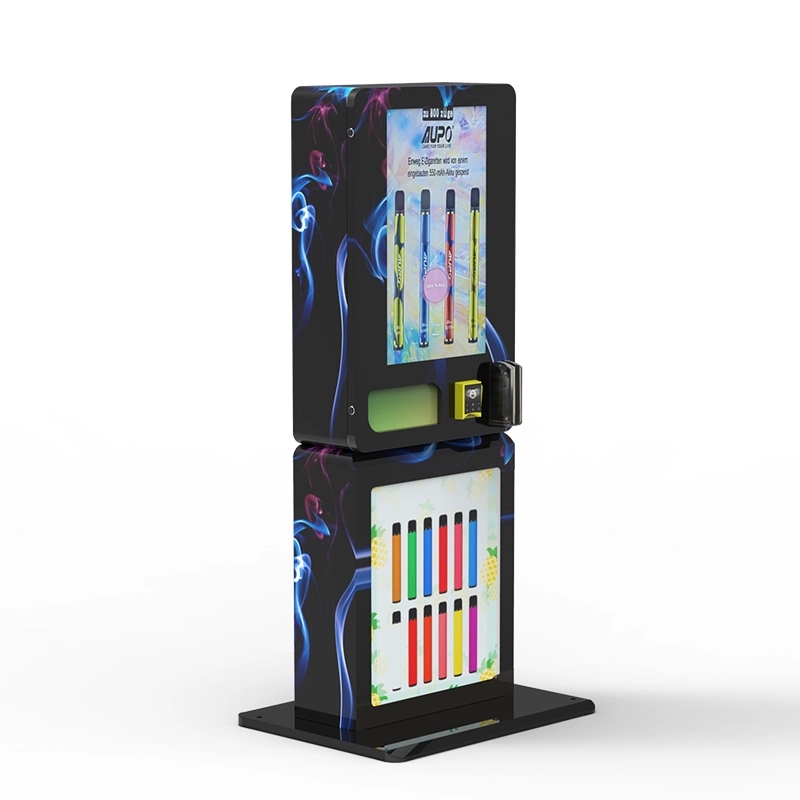
One specific model I've had good results with is the Wall-Mounted Compact E-Cigarette Vending unit. It's small enough for tight spaces but has the scanner positioned at an ergonomic height. We've deployed six of these in hotel lobbies and they've been running for 14 months with only one scanner issue—a loose cable that we fixed in five minutes.
For higher-capacity needs, the High-capacity vape vending machine offers dual scanners for redundancy. If one scanner fails, the second one takes over. That's a feature I wish we'd had in our early deployments. It adds about $600 to the cost but eliminates single-point-of-failure risk.
If you're still evaluating suppliers, read through the guide on starting a vape vending business for more operational insights. It covers site selection and negotiation tips that go beyond the hardware.
Common Pitfalls and How to Avoid Them
I've seen operators buy a machine, plug it in, and assume the ID scanner will work forever. It won't. The lens gets dirty. The firmware goes out of date. The database of valid ID formats changes when a state updates its driver's license design. You need a maintenance plan from day one.
Another mistake: not testing the scanner with actual IDs from different states. We once deployed a machine that worked perfectly with California IDs but failed on Texas IDs because the barcode encoding was slightly different. We caught it during a pre-deployment test, but only because we had a stack of out-of-state IDs to run through it. Always ask your supplier for a list of supported ID formats.
And don't forget about liability insurance. Some carriers won't insure a vending machine that sells age-restricted products unless the ID scanner has been certified by a third party. We use a policy that specifically covers automated retail with age verification. It costs about $1,200 per year for a fleet of 10 machines. Without it, a single lawsuit could bankrupt a small operation.
Final Thoughts on Deployment Strategy
If you're serious about putting a smart vending machine with ID scanning into a location, start with one unit. Run it for three months. Track every failed scan, every maintenance call, and every transaction. Use that data to refine your site selection and machine configuration before scaling. I've seen too many operators buy 20 machines at once and then realize the scanner they chose doesn't work well in low-light conditions or that the machine's cooling system interferes with the scanner's electronics.
One last piece of advice: build a relationship with a manufacturer that understands the compliance landscape. We work closely with Zhongda Smart because they've been in the vending machine business for over 15 years and they've seen the regulatory shifts. Their compliant e-cigarette vending machine line is engineered specifically for markets that require robust age verification. It's not just about hardware; it's about knowing what the next regulatory change might look like and having a system that can adapt.
Integrating an ID scanner with a vending machine isn't a one-time project. It's an ongoing process of calibration, software updates, and operational discipline. Get it right, and you'll have a machine that generates consistent revenue while keeping regulators off your back. Get it wrong, and you'll spend more time fighting fines than collecting cash. The choice is yours.
Frequently Asked Questions
What happens if the ID scanner fails during a transaction?
Can I use a smartphone app as a backup for ID scanning?
How often should I update the scanner firmware?
Do I need a separate server to store scan logs?
What's the average lifespan of an ID scanner in a vending machine?
Can I retrofit an ID scanner onto an existing vending machine?
How do I handle a customer whose ID is valid but the scanner rejects it?
What are the legal requirements for storing scanned ID data?
Sources:
- IBISWorld - Vending Machine Operators Industry Report
- Statista - Vending Machines Market Data
- Forbes - The Future of Self-Service Retail